Previewed vs Screenhance

Store screenshots are needed intensely for a launch week and then barely at all until the next one. That makes the interesting question not which tool is better but which billing shape survives eleven quiet months.

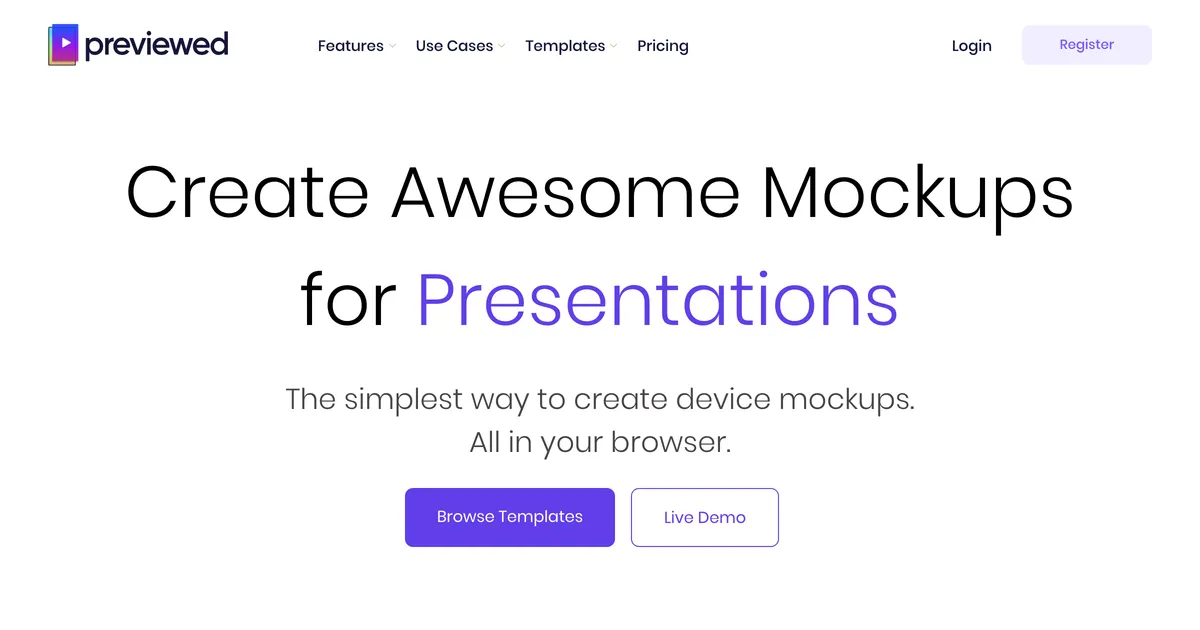
Previewed homepage hero showing app store screenshot and device mockup templates
PreviewedFrom Free
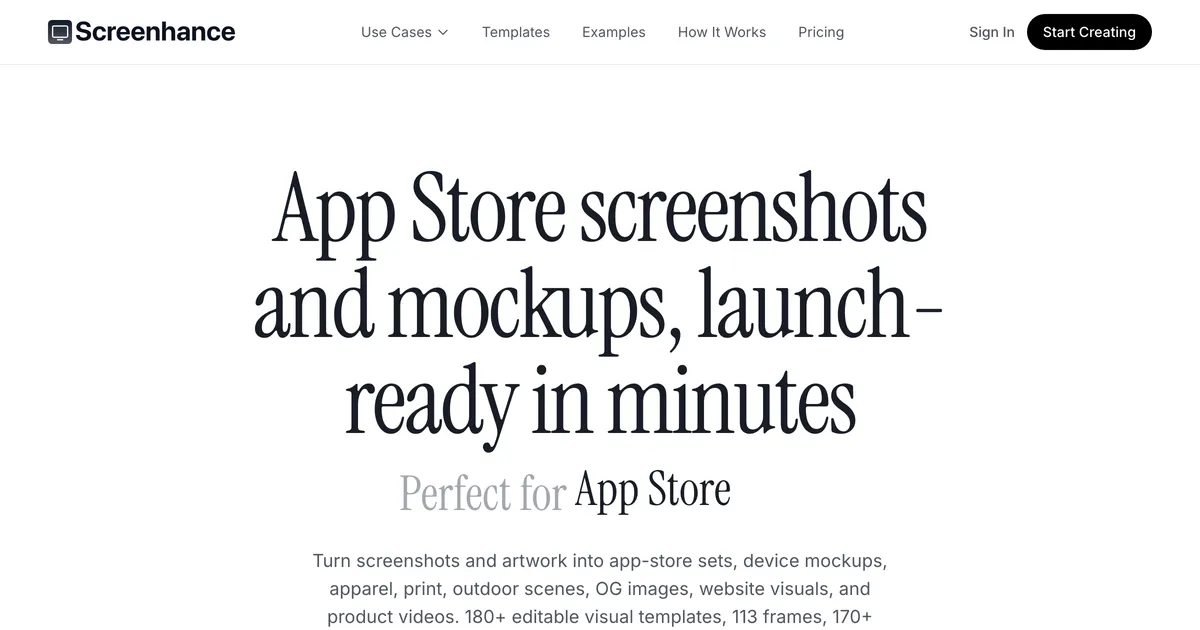
Screenhance homepage hero showing app store screenshot templates
ScreenhanceFrom Free

The short version

Previewed

Pick Previewed if you would rather own the tool than rent it. The one-time commercial tier is unusual in this category and it is the right answer when launches are irregular but keep happening. Do not rely on its free tier for anything commercial; it requires attribution.

Screenhance

Pick Screenhance if you are covering a specific launch. The $6 pass is one-time with no auto-renewal, every template is available even on free, and the monthly plan is there if the work turns out to be continuous after all.

Custom Mockup Generator

Neither does product mockups. If you sell physical goods rather than apps, this whole comparison is the wrong shelf.

How Previewed and Screenhance actually differ

Previewed sells a licence. Ten dollars once buys commercial use and higher-resolution exports, and it keeps working whether you ship monthly or once a year. Its free tier exists but carries a Creative Commons attribution requirement, which makes it unusable for a commercial listing without paying.

Screenhance sells throughput. Templates and device frames are on every tier including free, so what money buys is how many exports you may take: three a month free, ten over seven days for six dollars, unlimited for twelve a month.

That difference in what is being sold matters more than any feature. Previewed's one-time tier is the cheapest way to own the capability outright. Screenhance's pass is the cheapest way to cover exactly one launch and then stop paying, and it is explicitly one-time with no auto-renewal, which the pricing page states rather than buries. Both are reasonable answers to bursty work; they simply disagree about whether you are buying a tool or a week.

The scoreboard

2of 6
Previewed
  • Owning it outright
  • 3D and video output
4of 6
Screenhance
  • Cost of a single launch
  • Usable free tier
  • Shipping continuously
  • Localised screenshot sets
0of 6
Neither
  • Nothing on this list

Where each one wins

What you are comparingWinnerWhy
Cost of a single launchScreenhanceA $6 pass covering ten exports over seven days is the cheapest way to cover one release and then stop paying entirely.
Owning it outrightPreviewedA one-time $9.99 licence keeps working forever. Nothing on Screenhance is bought rather than rented.
Usable free tierScreenhanceThree exports a month with no attribution. Previewed's free tier carries a Creative Commons attribution requirement, so it is not commercially usable.
3D and video outputPreviewed3D device scenes and video exports at 30fps, which is more than a flat screenshot in a frame.
Shipping continuouslyScreenhanceUnlimited exports at $12 a month suits a team publishing visuals every week rather than twice a year.
Localised screenshot setsScreenhanceStore screenshot sets with localisation across many languages, which is fiddly and slow to assemble by hand.

What the ladders look like

Previewed

  • LiteFree
  • Pro$19/mo
  • Plus$9.99 one-time

Free tier requires attribution and is not a commercial licence, so the paid one-time tier is the first commercially usable plan.

Screenhance

  • FreeFree
  • Pro$12/mo
  • Launch Pass$6 one-time

Templates and device frames are on every tier including free; the paid tiers buy throughput rather than content. The $6 pass is one-time with no auto-renewal, which the pricing page states explicitly.

Custom Mockup Generator

  • FreeFree
  • Paid$7/mo

Our own pricing.

Pick by what you are making

One launch this quarter

Screenhance

Six dollars, seven days, no auto-renewal. Nothing else here is that cheap for a single burst.

You ship every few months

Previewed

Buying once beats renting repeatedly when the gaps between launches are long but the launches keep coming.

A team publishing weekly

Screenhance

Unlimited exports monthly is the right shape once the work stops being bursty and becomes routine.

Selling physical products

Custom Mockup Generator

Neither of these does product mockups. They frame app screens, which is a different job from listing images.

Both, in depth

Previewed homepage hero showing app store screenshot and device mockup templates

Previewed

App store screenshot and device mockup generator, including 3D scenes and video exports sized for each store.

Where it wins
  • Exports at the exact dimensions each app store demands, which is fiddly to get right by hand.
  • A genuine one-time paid tier, which is rare in a category that is otherwise all subscriptions.
  • 3D device scenes and video exports rather than flat screenshots.
Where it stops
  • Devices and app screenshots only. It has nothing to do with apparel, print or packaging.
  • The free tier carries an attribution licence, so it cannot be used commercially as-is.
Pricing
  • LiteFreeUnlimited 2D exports at 720p, Creative Commons attribution licence
  • Plus$10 one-time10 exports at 1080p+, 3D and video exports, commercial licence
  • Pro$19/moBilled $228 per year. Unlimited exports

Free tier requires attribution and is not a commercial licence, so the paid one-time tier is the first commercially usable plan.

Choose this if

App developers preparing store listings who need correctly sized screenshots more than they need product mockups.

Screenhance homepage hero showing app store screenshot templates

Screenhance

App store screenshots and launch visuals, priced around bursts of work rather than continuous use.

Where it wins
  • A one-week pass for the launch week, which fits how app releases actually cluster.
  • No template paywall: every frame and template is available on the free tier.
  • Handles App Store screenshot sets and localisation, which is fiddly to do by hand.
Where it stops
  • Apps and screens only, so it is irrelevant to anyone selling physical products.
  • The free tier's three exports a month is enough to evaluate and not much else.
Pricing
  • FreeFree3 exports a month
  • Launch Pass$6 one-time10 watermark-free image exports over 7 days. Demo videos stay watermarked
  • Pro$12/moUnlimited exports. $99/year billed yearly

Templates and device frames are on every tier including free; the paid tiers buy throughput rather than content. The $6 pass is one-time with no auto-renewal, which the pricing page states explicitly.

Choose this if

App developers shipping a launch who need a burst of store-ready visuals and do not want another monthly subscription.

What users say about Previewed

All Previewed reviews on Trustpilot

Answer these and you have decided

  1. 01

    How many launches a year, honestly? Two is a pass question, twelve is a subscription question.

  2. 02

    Do you need the output to be commercially licensed? Previewed's free tier is not.

  3. 03

    Do you need video or 3D scenes, or a flat screenshot in a frame?

  4. 04

    Are you shipping to more than one language store? Localised sets are slow to do by hand.

A third approach

These two frame app screens, which has nothing to do with putting a design on a t-shirt. It is worth saying because the search terms overlap and sellers land on tools like these expecting product mockups. If your images are for a physical product listing, the job is different: describe the listing set once, drop in each new design, and get the finished images back with the title, size chart and logo already placed. For app store work, these are the right tools and this is the right comparison.

Frequently asked questions

Which is cheaper for one app launch?

Screenhance. Its $6 Launch Pass covers ten watermark-free image exports over seven days, is one-time, and does not auto-renew. Previewed's one-time tier costs more but never expires.

Can I use the free tiers commercially?

On Screenhance yes, within three exports a month. On Previewed no: the free tier carries a Creative Commons attribution licence, so the paid one-time tier is the first commercially usable plan.

Do either do video?

Both, differently. Previewed exports video at 30fps on its paid tier. Screenhance produces demo videos, though its $6 pass leaves a watermark on those specifically.

What about App Store screenshot sizes?

Both handle store dimensions, which is the fiddly part of this work. Screenhance also does localised sets across many languages, which matters if you publish in more than one store region.

Can I use these for product mockups?

No. Both frame app screens and neither has a concept of a physical product. For listing images of things you sell, Custom Mockup Generator is aimed at that instead.

Other tools people compare

Selling products rather than apps?

Describe your listing set once, then drop in each new design and get the whole set back with your title, size chart and logo already in place.

Browse print generators