
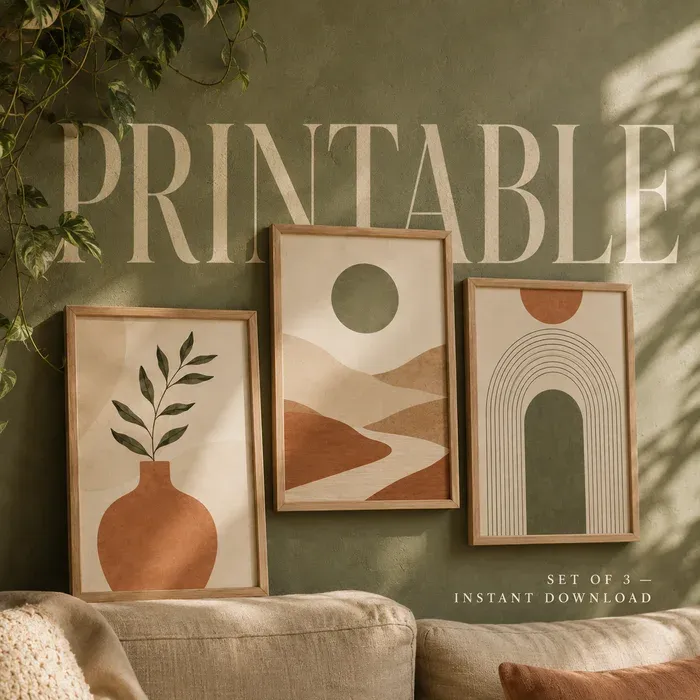
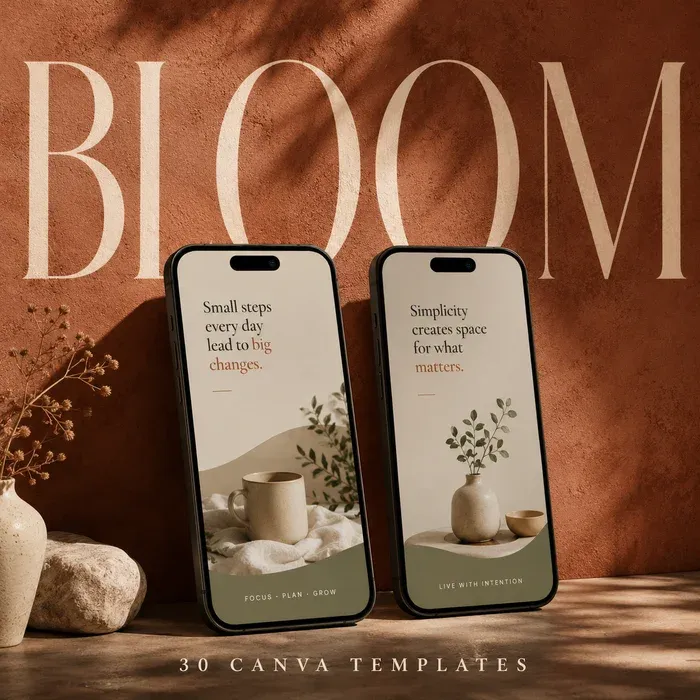
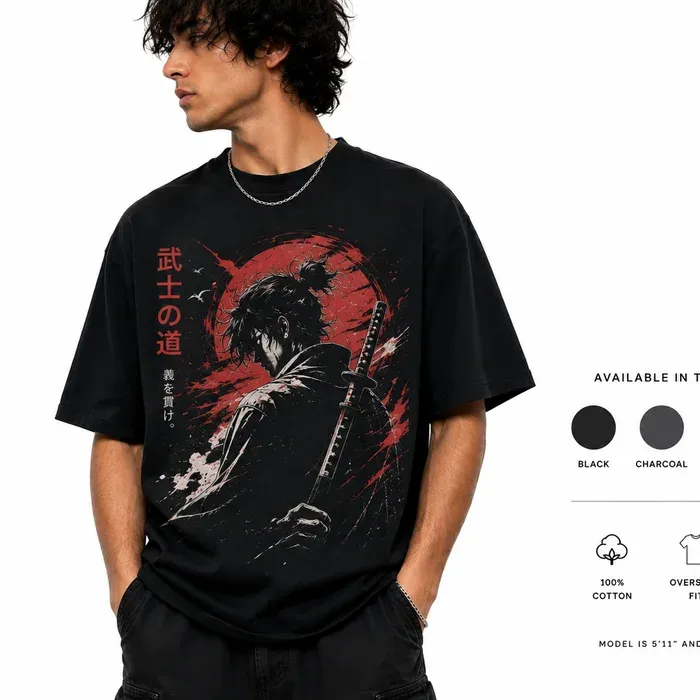
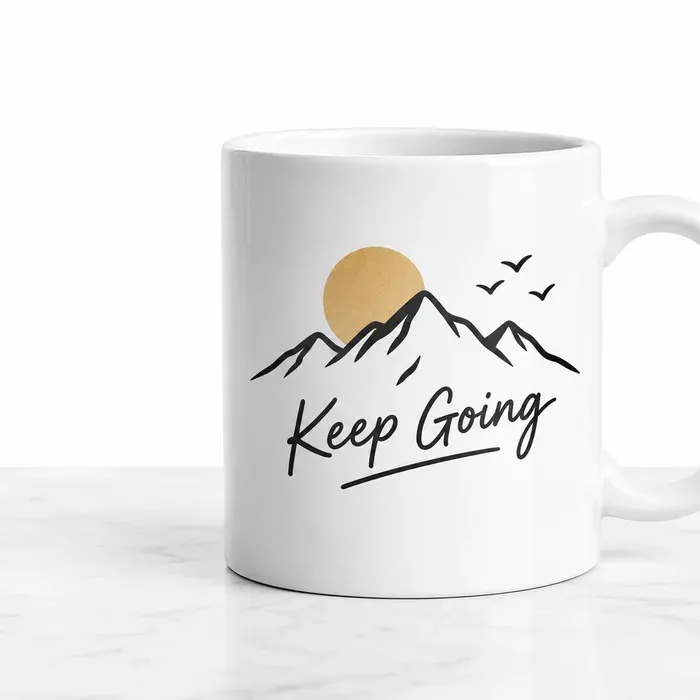
A bulk generator makes more of the same image. A listing needs five different ones.
Both rails below are full. Bulk tools do return plenty of images; they return the same shot from five angles.
With a bulk mockup generator
5 mockups, 1 listing image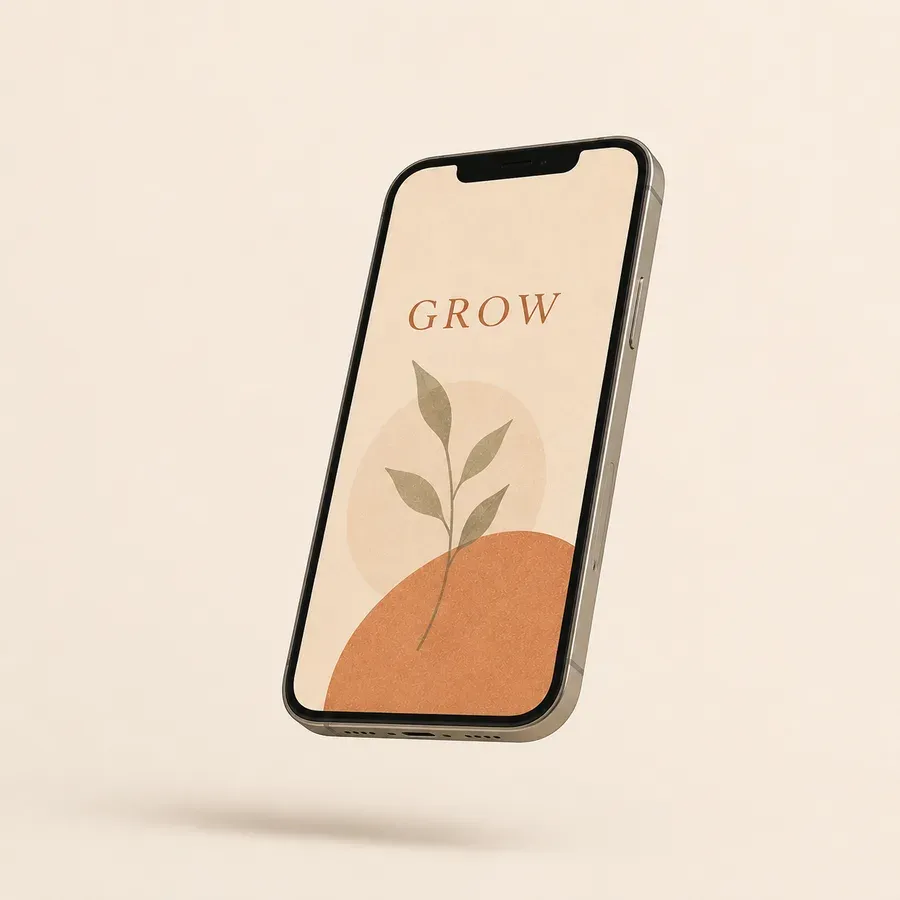
With Custom Mockup Generator
5 mockups, 5 listing images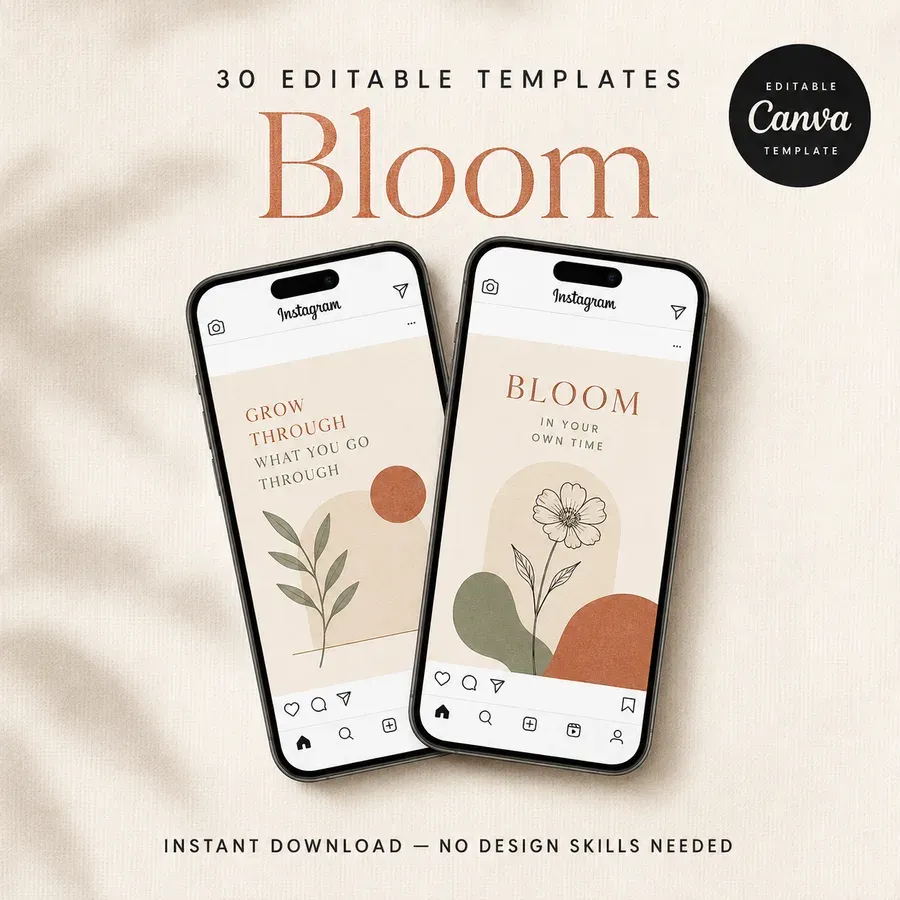
The scene adapts to your design, down to the envelope.
One invitation, photographed twice. A template hands every seller the same fixed props, because the photograph behind the artwork was taken once and cannot know what you uploaded.
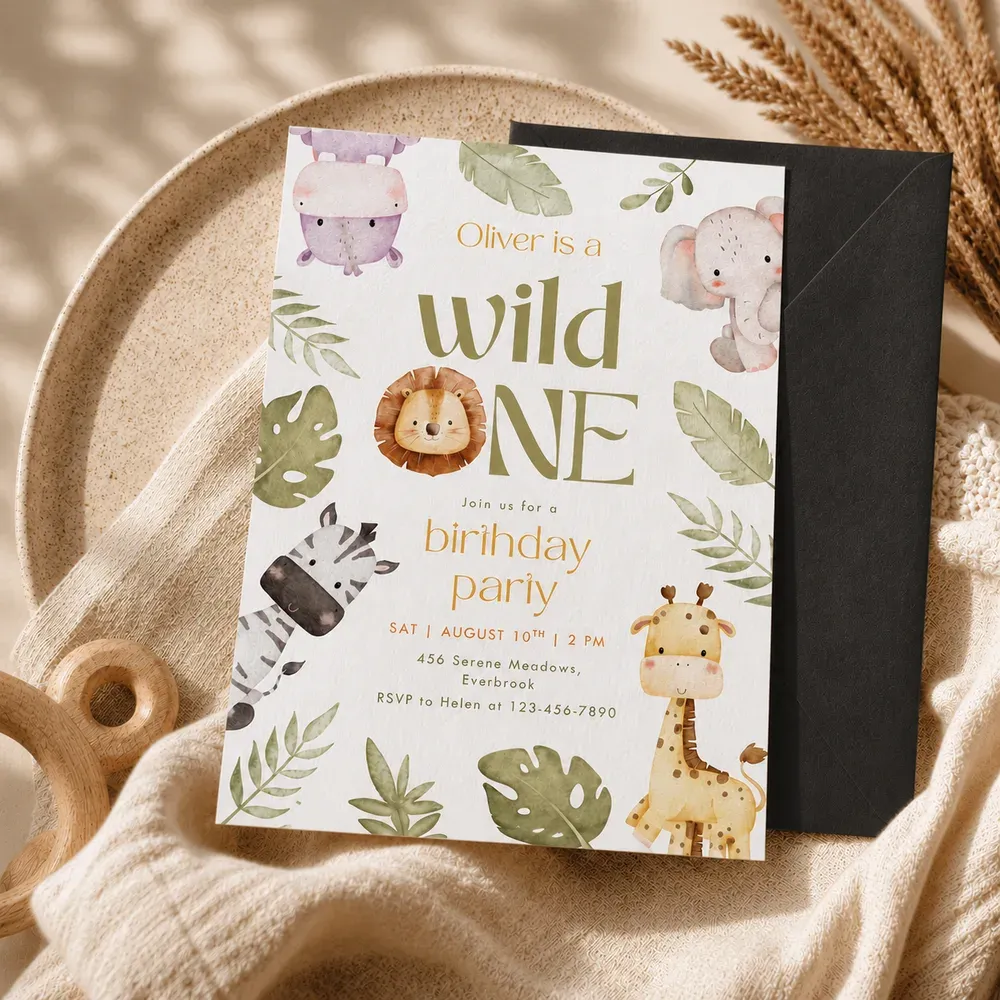
A fixed template scene. The same black envelope every seller gets, whatever they uploaded.
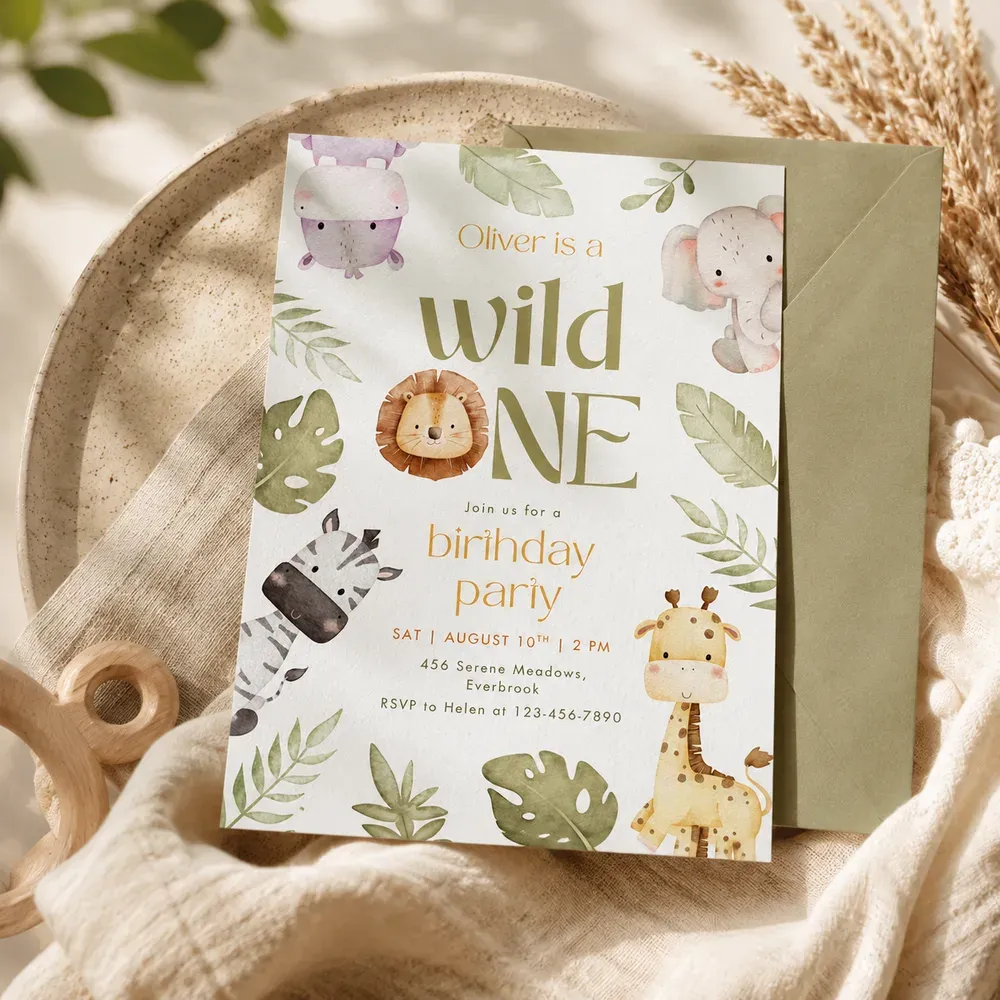
A scene that adapted. Sage envelope, softer light, greenery: all of it taken from the design.
Three steps, and only one of them repeats.
The scenes come from a listing you already sell, so the new design comes back in the same shots, in the same order, at the same count.
- 1
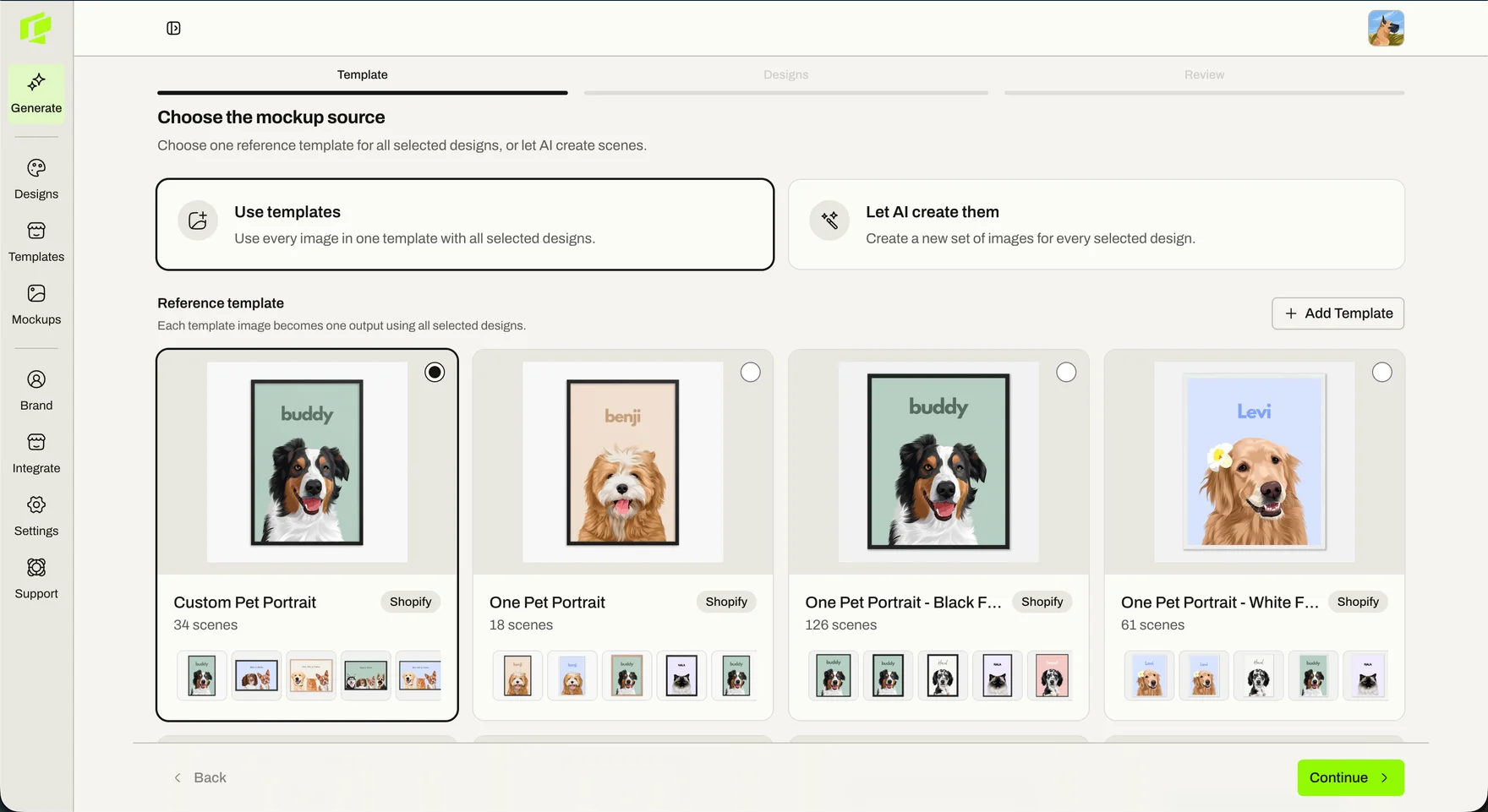
Point it at a listing you already have
Pick one of your existing listings and every image in it becomes a scene. Thirty four images in the listing means thirty four in the set. No listing to copy yet? Have the scenes generated instead.
- 2
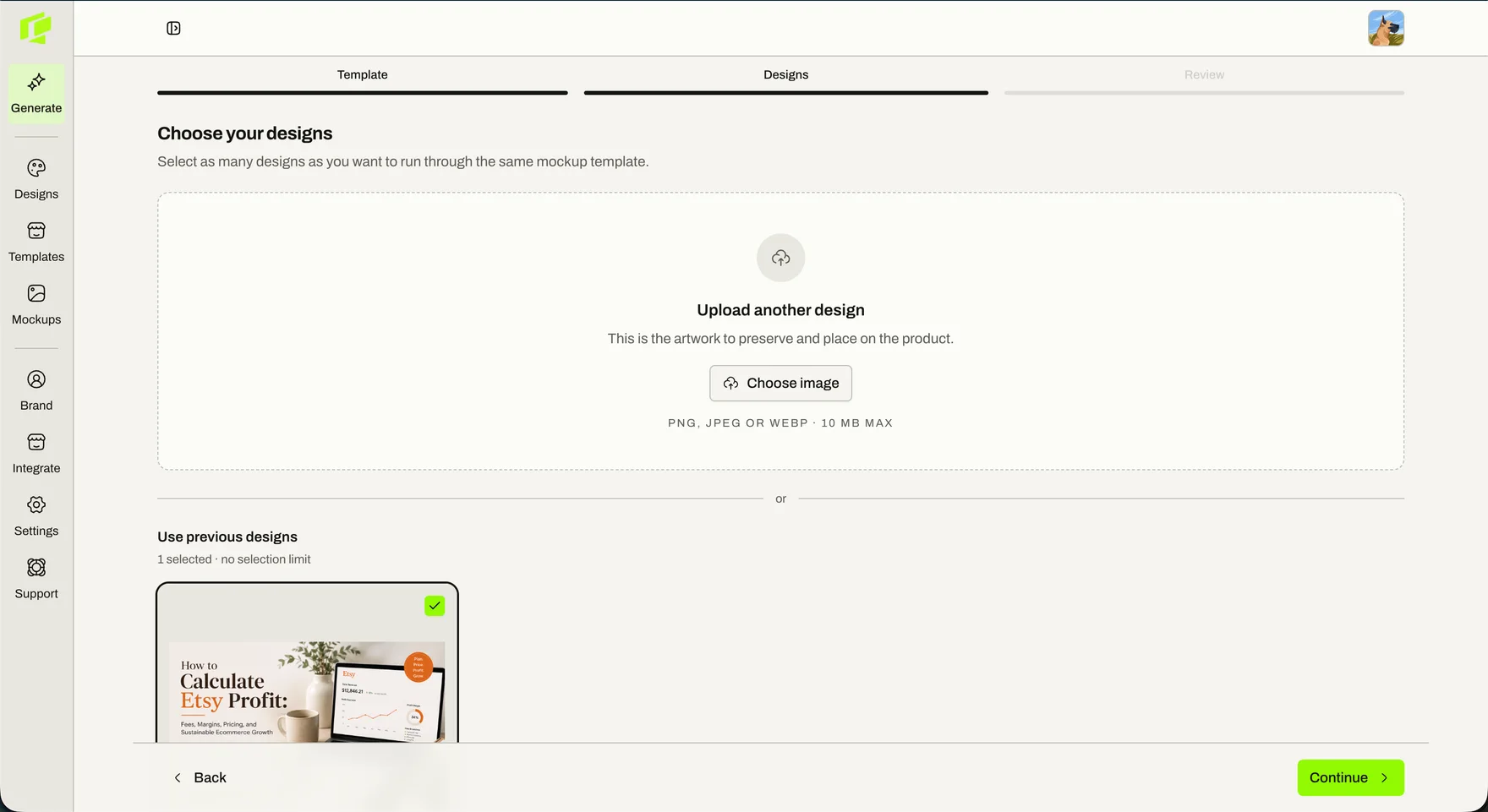
Upload the new design
The one step you repeat. Drop in the artwork, or reuse something you have uploaded before, and select as many designs as you want to run through the same listing.
- 3
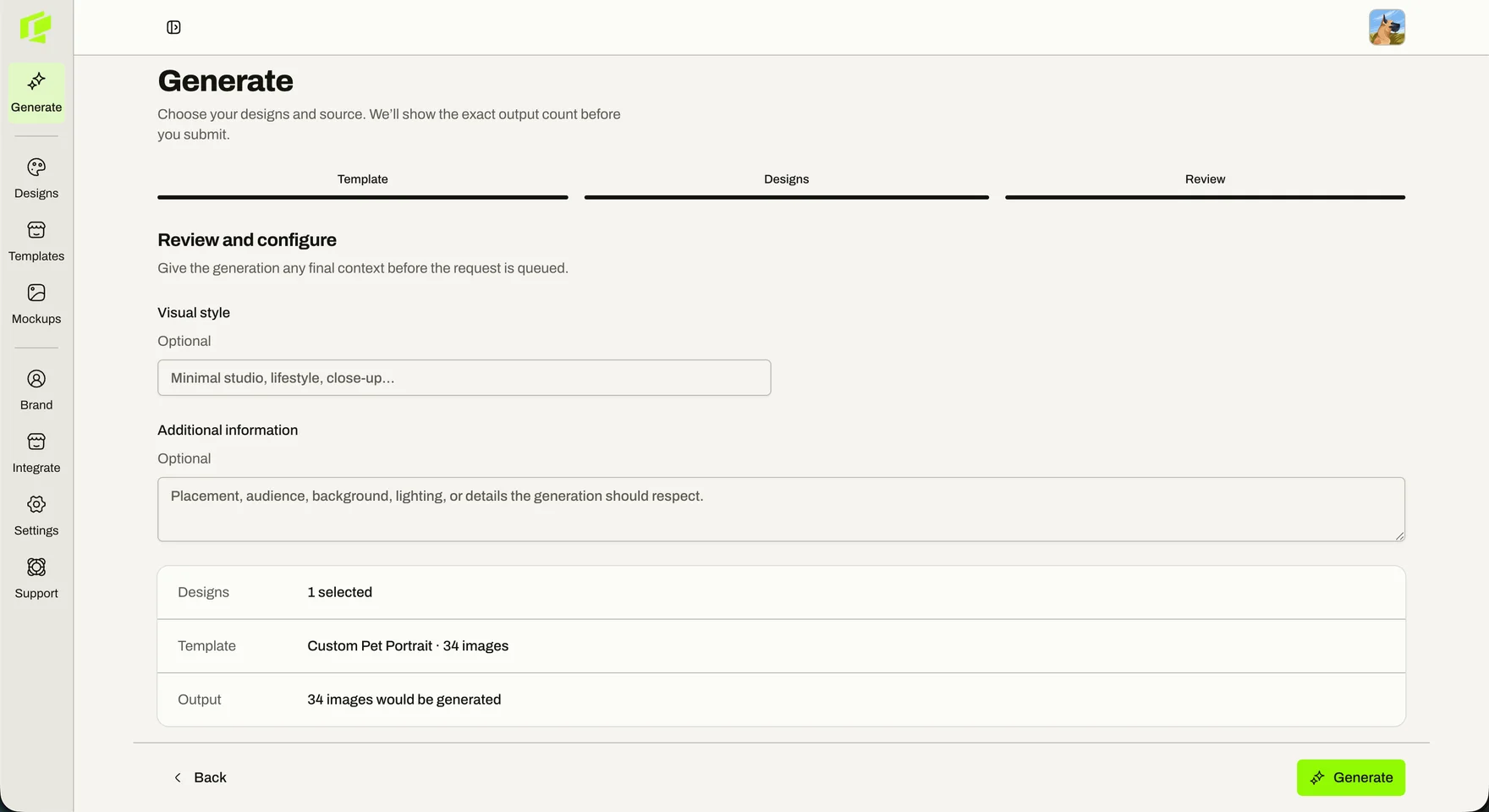
Check it over, then generate
Add a style note or a placement instruction if the design needs one. The exact number of images is shown before the request is queued, so nothing is a surprise.
Back comes a full set for the new design, matching the listing you picked image for image.
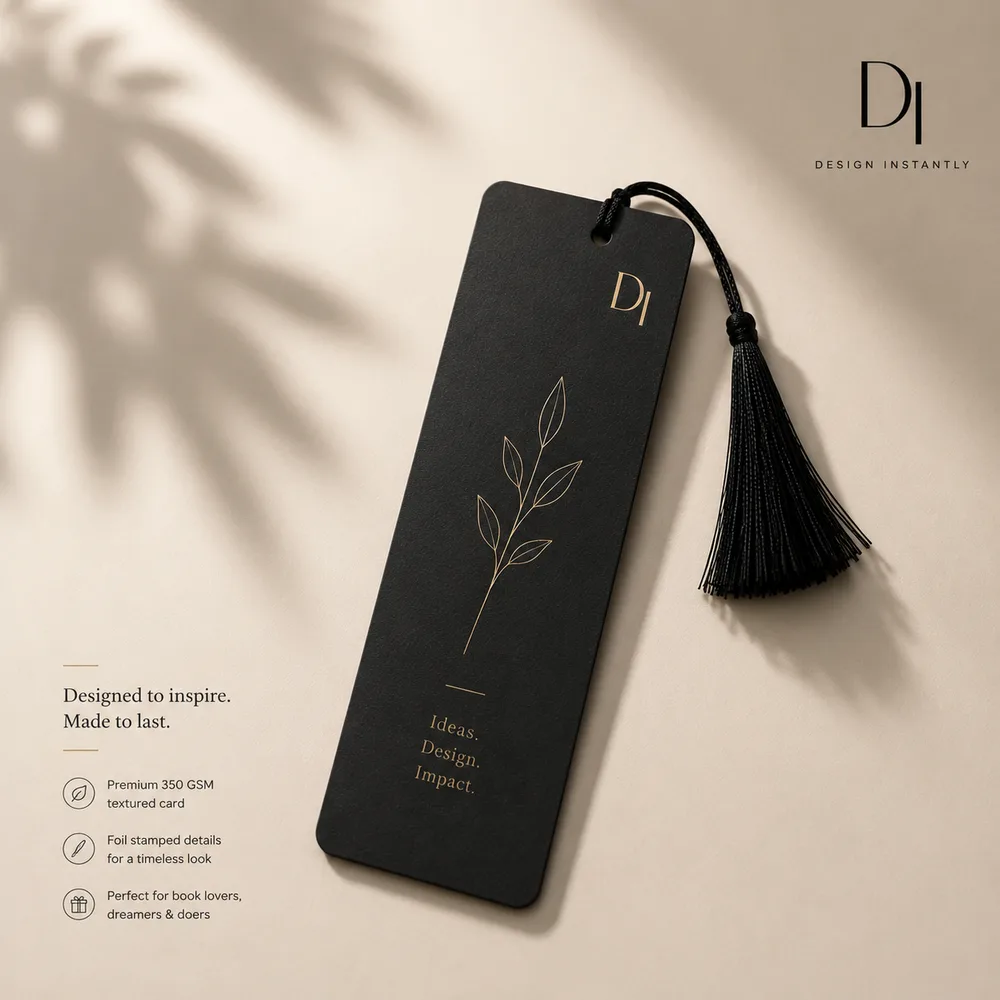
Add your logo once. It lands in the same place every time.
Same position, same size, across the whole set and across every design you run through it afterwards. No bulk mockup generator does this, and it is the reason most sellers still finish their listing images by hand in Canva.
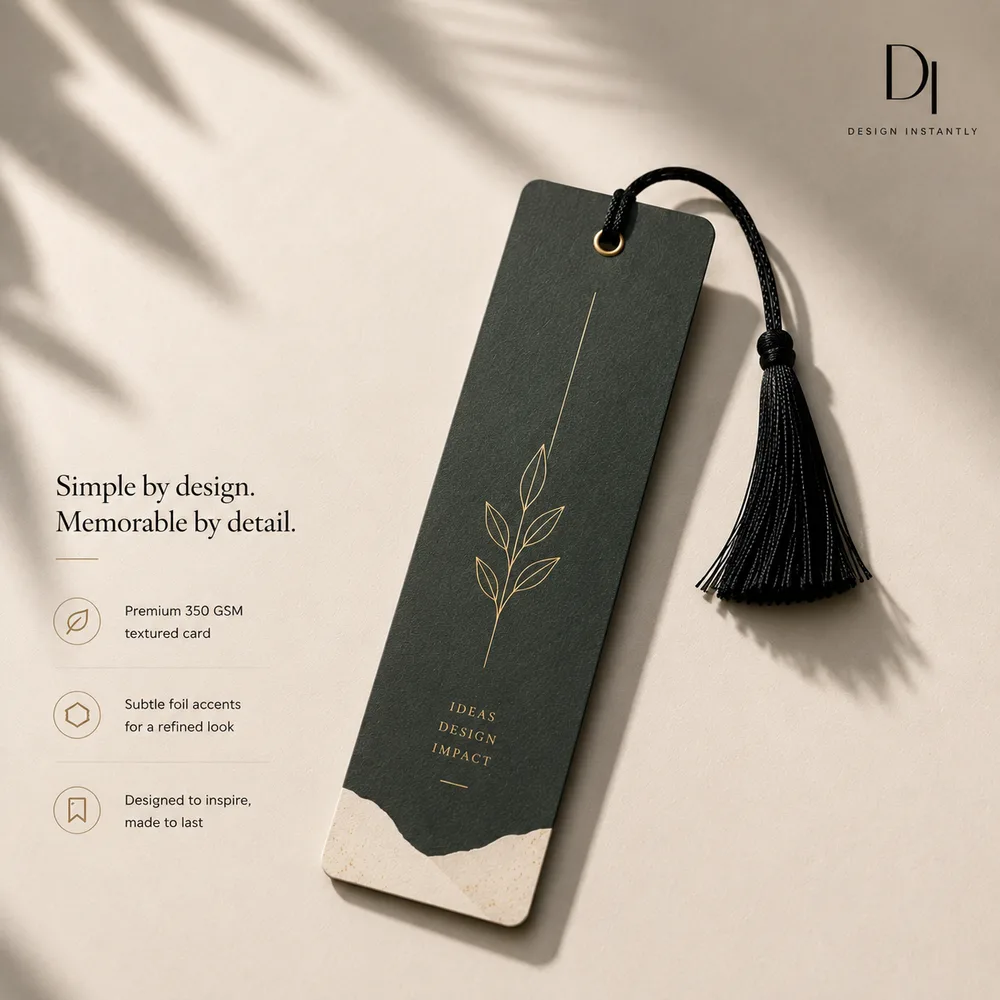
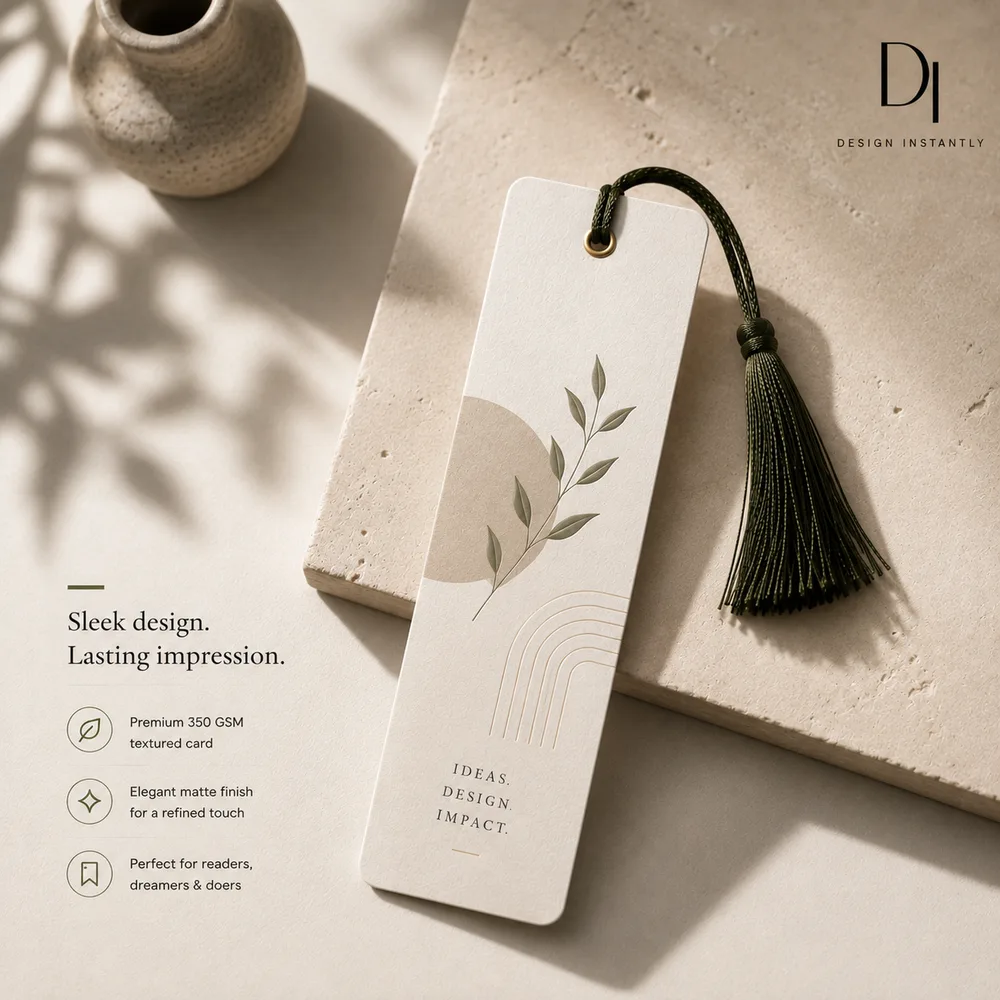
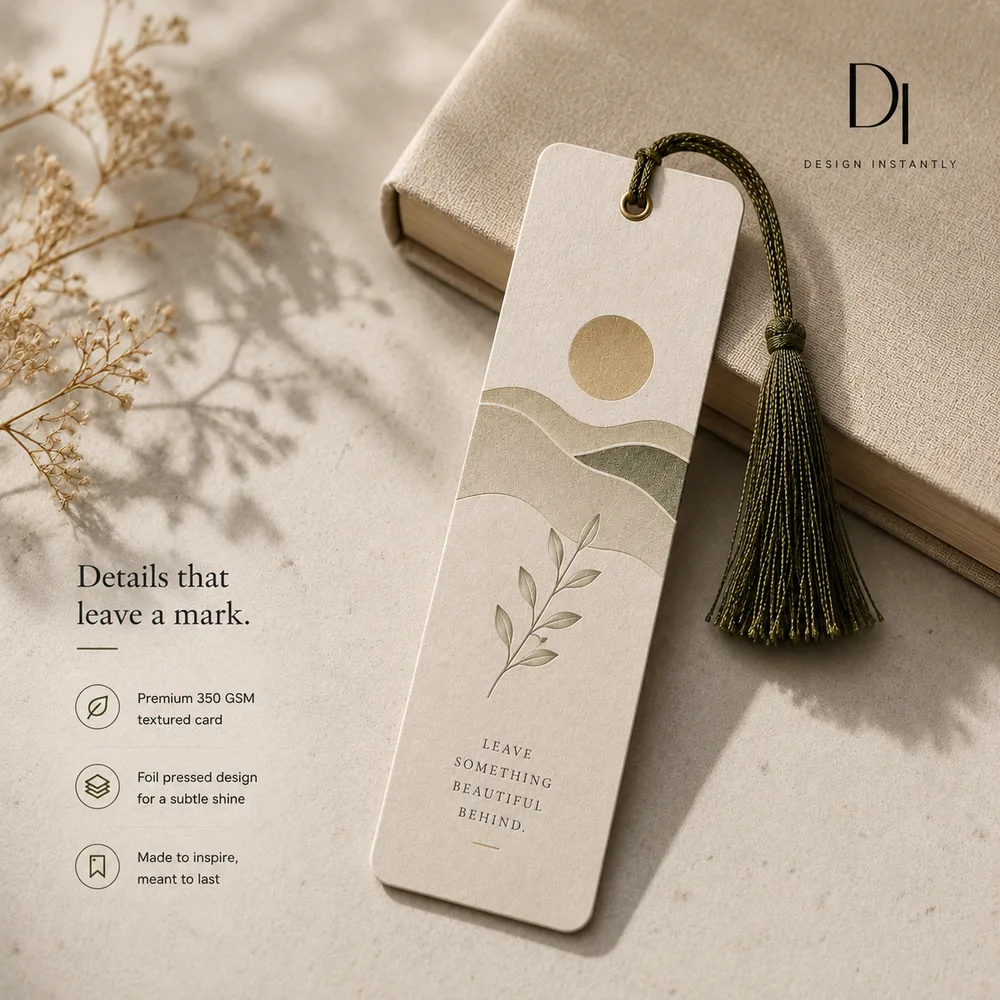
Listing twelve looks like listing one.
A template here is not a stock scene off a shelf. It is the photographs from a listing you already sell, edited so the product carries the new artwork and nothing else moves.
- The photograph survives. Only the print changes.
- Same product, same model and pose, same camera angle and distance, same lighting, background and props. What comes back is your photograph edited, not a new one built to resemble it.
- A listing added today matches one shot months ago.
- Because the new images are made from the old images rather than from a description of them. Consistency is the first thing a growing catalogue loses and the most tedious thing to claw back by hand.
- You do not need a store connection to start.
- Connect Shopify or WooCommerce and your listings import as templates, every image in each one ready to generate into. Or upload the photographs you already use, from any marketplace, and they behave exactly the same.
What free actually means
Free output is real output, not a teaser. Paying is for volume and a clean file, never for basic access.
- Free$0
Try it without an account: 4 real mockups, watermarked. Create a free account and the watermark comes off the ones you already made.
- Pro$7/month
100 images a month, no watermark, at the size you picked. $70 billed yearly instead of $84.
Start free, upgrade laterUpgrade inside your account when you hit the free ceiling.
What sellers say
Before Custom Mockup Generator, every new design meant rebuilding the same five listing images from scratch. Now I drop in the design and get the whole set back ready to upload. It turned mockups from a production task into a checkbox.
Maya PatelEtsy seller, 40+ designsI tried template libraries, but the problem was never finding another mockup. It was making the same front, back, flat lay, size chart and lifestyle images over and over. Custom Mockup Generator finally solves that repetition.
Daniel BrooksPrint-on-demand sellerWe were considering building a rendering API because we had so many designs to process. Custom Mockup Generator gave us the result we actually needed without turning our shop into a software project.
Chris MorganPOD store ownerThe biggest difference is that I don't have to think about individual images anymore. I define the listing set once, add a new design, and the title, logo and size chart are already where they need to be.
Sofia RamirezIndependent apparel sellerMost mockup tools help you choose a scene. Custom Mockup Generator helps you finish a listing. That distinction sounds small until you're creating images for dozens or hundreds of products.
Alex TurnerE-commerce sellerI used to dread adding a new design because the artwork took five minutes and the mockups took forever. Now the artwork is basically the only part I have to do.
Jordan LeePrint-on-demand designer
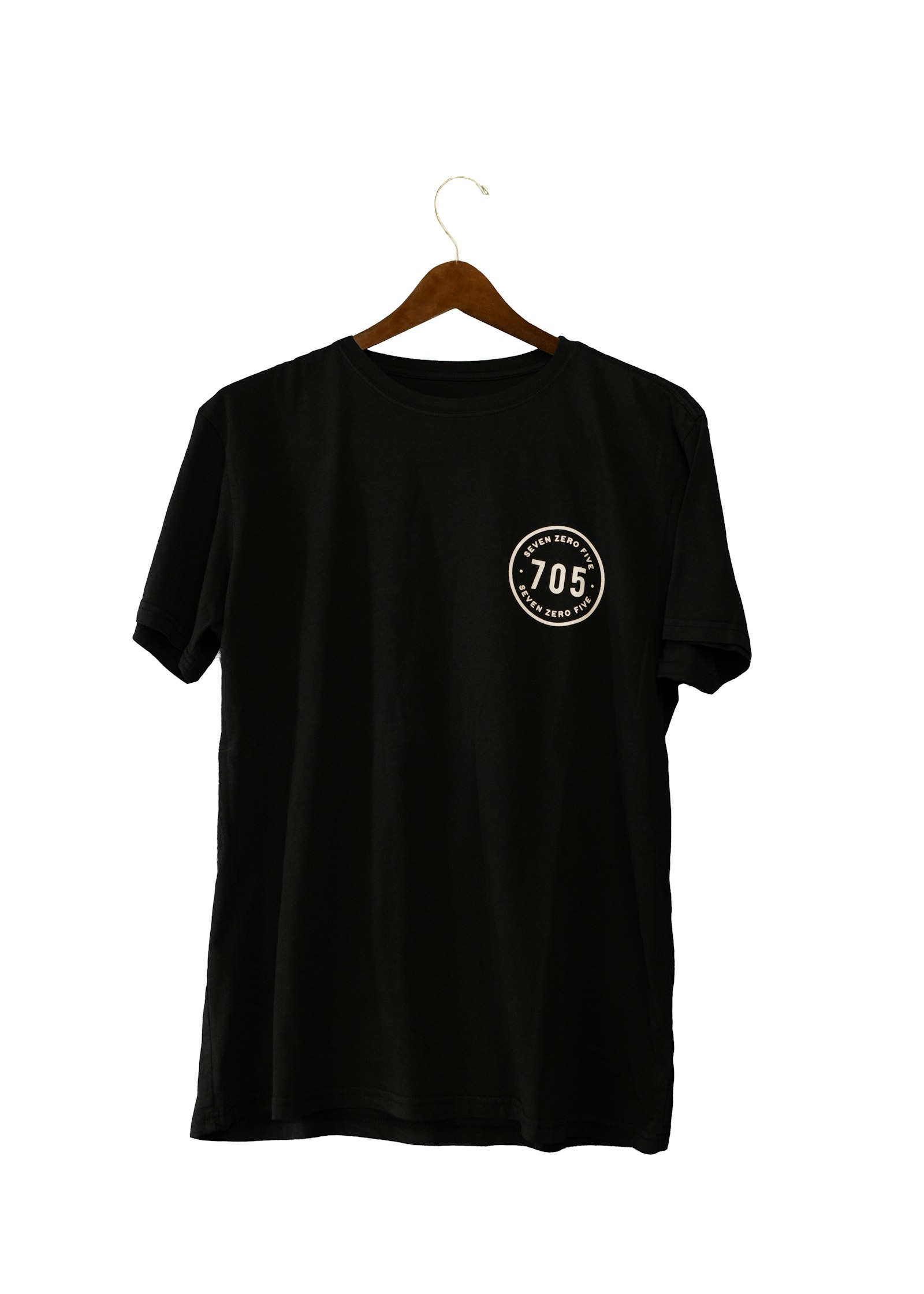
Pick what you are putting a design on
Frequently asked questions
Is the mockup generator free?
Yes. You can generate 4 mockups without an account and the output is watermarked. A free account removes the watermark, so the file you download is the file you list with. Paid plans start at $7 and exist for volume beyond the free allowance.
What makes it a custom mockup generator?
A bulk mockup generator puts your artwork on a blank product. A custom one generates the whole listing image: the product, plus the title, size chart, brand colours and logo your listing actually carries. That gap is why most sellers still finish their images by hand in Canva.
Do I need my own template to start?
No. Describe the shot in words and you get a flow from it. If you already have a look worth keeping, upload it. A template here is a PNG or JPG image of a scene, not a layered Photoshop file with smart objects.
Can you put my logo on every mockup?
Yes. Add it once and it is placed on every image the flow generates, in the same position and at the same size across the set. It is one of the main reasons a seller cannot use a bulk generator today.
How is this different from a Smart Object template?
A Smart Object swap drops your artwork into a fixed photograph, so every seller using that template ends up with the same picture. Here the scene is generated in response to your artwork, so a red design and a pastel one come back looking genuinely different.
What file should I upload?
PNG with a transparent background gives the cleanest result. SVG and JPG work as well, but a JPG's white background will show up as a rectangle on anything other than a white product.
Stop rebuilding the same four images
Upload a design, pick what it is going on, and get the whole set back. Free to start, and no card is needed.
Create your free account