Angle vs Mockuuups Studio

Both live inside the design tool you already have open, which is the point of either. Where they differ is what happens a year from now, when the devices in your mockups are the previous generation.

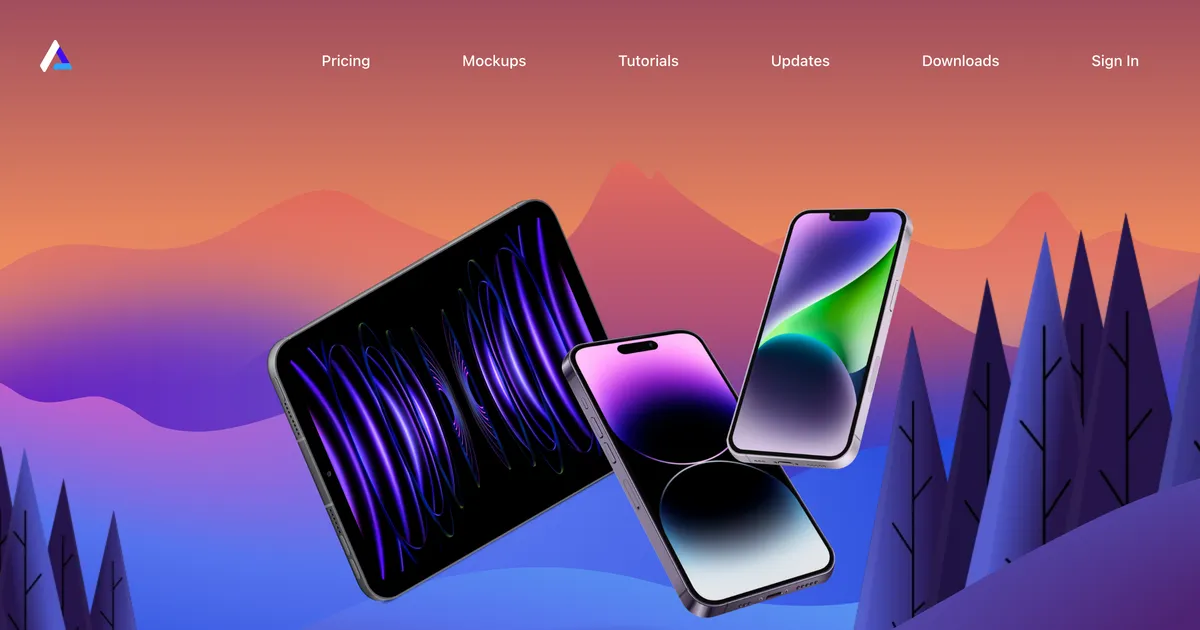
Angle homepage hero showing device mockups in perspective for Sketch and Figma
AngleFrom Free
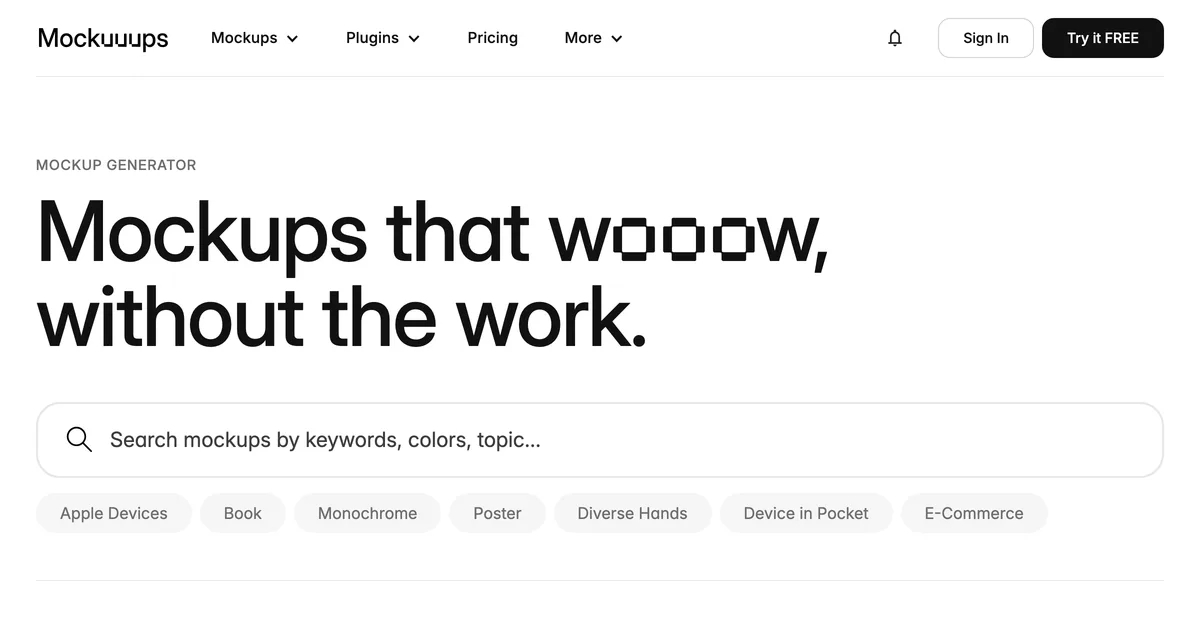
Mockuuups Studio homepage hero showing its mockup library
Mockuuups StudioFrom Free

The short version

Angle

Pick Angle if you would rather own the thing. At $79 once, with fifty mockups free to try first, it is the cheaper answer over any multi-year horizon. Go in knowing the free device upgrades run for a year, so the pack ages unless you buy again.

Mockuuups Studio

Pick Mockuuups if current devices matter or you need more than devices. A subscription keeps the library growing and covers apparel, print and packaging too, which is worth paying for when the work is varied and continuous.

Custom Mockup Generator

Both present a finished design. Neither builds the images a product listing needs, with the title and branding placed.

How Angle and Mockuuups Studio actually differ

Angle is a purchase. Seventy-nine dollars buys the pack and the plugin for Sketch, Figma and XD, and it keeps working indefinitely. The catch is stated plainly on its own site: free upgrades for newly released devices run for one year. After that the pack still works, it just stops learning about new phones.

Mockuuups is a subscription, with plugins and a desktop app and a library that keeps growing while you pay. You never own it, and it never falls behind.

That makes the comparison unusually clean, because it is the same trade in both directions. Buying is cheaper if your work does not depend on the newest hardware, and a mockup of last year's phone is fine for most presentations. Subscribing is cheaper than repurchasing if it does, which is mostly true for people presenting apps to clients who will notice. Neither is a better product; they are different bets about how fast this category moves.

The scoreboard

3of 6
Angle
  • Cost over three years
  • Free tier
  • Working offline
2of 6
Mockuuups Studio
  • Staying current with new devices
  • Breadth beyond devices
1of 6
Neither
  • Listing images for sellers

Where each one wins

What you are comparingWinnerWhy
Cost over three yearsAngleA one-time $79 against a subscription running the whole time. Even repurchasing occasionally, buying wins on total spend.
Staying current with new devicesMockuuups StudioThe library keeps growing while you pay. Angle's free upgrades stop after a year, and phones ship annually.
Free tierAngleFifty mockups free with the plugin, which is a usable amount rather than an evaluation.
Breadth beyond devicesMockuuups StudioApparel, print and packaging scenes as well as devices. Angle is devices and nothing else, deliberately.
Working offlineAngleA purchased pack does not check anything before it renders. A subscription tool stops when the billing does.
Listing images for sellersTieNeither is aimed at product listings. Both present work rather than sell it, and neither composites text or branding.

What the ladders look like

Angle

  • FreeFree
  • Standard$79 one-time
  • Extended$149 one-time

One-time purchase rather than a subscription. Upgrades for newly released devices are free for a year, after which the pack stops gaining devices unless repurchased.

Mockuuups Studio

  • FreeFree
  • Professional$15/mo
  • Team$20/mo

Exports remain usable after cancellation, so a single paid month is a viable purchase.

Custom Mockup Generator

  • FreeFree
  • Paid$7/mo

Our own pricing.

Pick by what you are making

Presenting client work occasionally

Angle

Buy once, use for years. Occasional work does not justify a subscription running through the quiet months.

Devices must be this year's

Mockuuups Studio

Angle's free upgrades expire after a year, so staying current means repurchasing rather than just using it.

You need more than devices

Mockuuups Studio

Apparel, print and packaging in the same subscription. Angle deliberately does one category.

Images for a product listing

Custom Mockup Generator

Both present a design rather than sell a product. Listing images need text and branding neither adds.

Both, in depth

Angle homepage hero showing device mockups in perspective for Sketch and Figma

Angle

A device mockup pack and plugin for Sketch, Figma and XD, bought once rather than subscribed to.

Where it wins
  • A genuine one-time price in a category that has almost entirely moved to subscriptions.
  • Works inside Sketch, Figma and XD, so mockups happen where the design already is.
  • The free tier is a usable 50 mockups rather than a watermarked preview.
Where it stops
  • Devices only. It has nothing to say about apparel, print or packaging.
  • Device coverage ages once the free upgrade year ends, which matters in a category where new phones ship annually.
Pricing
  • FreeFreePlugin plus 50 free mockups
  • Standard$79 one-timeIncludes free upgrades for new devices for one year
  • Extended$149 one-time

One-time purchase rather than a subscription. Upgrades for newly released devices are free for a year, after which the pack stops gaining devices unless repurchased.

Choose this if

Product designers who work in Sketch or Figma, want device mockups in perspective, and would rather buy once than subscribe.

Mockuuups Studio homepage hero showing its mockup library

Mockuuups Studio

A device and apparel mockup library with desktop and design tool plugins, aimed at product designers rather than sellers.

Where it wins
  • Plugins for the design tools you already have open, plus a desktop app, so mockups happen without a context switch.
  • Exports stay usable after you cancel, which makes one paid month a legitimate way to buy.
Where it stops
  • The free tier requires attribution, so it is not usable on a commercial listing.
  • Catalogue leans towards devices and screens rather than the apparel and packaging a print on demand seller lists.
Pricing
  • FreeFreeLimited set, requires attribution
  • Professional$15/mo$120/yr if billed annually. 5,300+ mockups
  • Team$20/moPer user. Adds SSO and unified billing

Exports remain usable after cancellation, so a single paid month is a viable purchase.

Choose this if

Product and UI designers presenting app or device work, especially anyone who wants mockups inside their existing design tool.

Answer these and you have decided

  1. 01

    Will anyone notice the phone in your mockup is a year old? For most audiences, no.

  2. 02

    Do you need anything other than devices? That alone decides it in one direction.

  3. 03

    How often do you actually open a mockup tool? Bursty work suits buying, weekly work suits subscribing.

  4. 04

    Are these images presenting a design or selling a product? Only one of those is on this page.

A third approach

These two are for showing work, usually to a client or in a portfolio. That is a different job from producing the images a marketplace listing needs, where the picture has to carry a product title, a size chart and a logo, and then be rebuilt for the next product. If you are presenting, this page is the right comparison. If you are selling, the repetition is the problem, and that is what we handle: describe the set once, drop in each new design, get the finished images back.

Frequently asked questions

Is Angle a one-time purchase?

Yes, at $79 for the standard pack, which is unusual in a category that has mostly moved to subscriptions. Free upgrades for newly released devices run for one year from purchase.

What happens after Angle's upgrade year ends?

The pack keeps working; it stops gaining newly released devices. Since phones ship annually, staying current means buying again, which changes the arithmetic against a subscription.

Which works with Figma?

Both. Angle ships plugins for Sketch, Figma and XD. Mockuuups has a Figma plugin plus a desktop app, which some people prefer for heavier work.

Which is cheaper overall?

Angle, on any multi-year view, even allowing for the occasional repurchase. Mockuuups costs more and covers more, including apparel, print and packaging.

Can I use these for product listings?

Not really. Both present a design rather than sell a product, and neither composites a title, sizing or a logo into the image. Custom Mockup Generator is built for that.

Other tools people compare

Presenting a design, or selling a product?

Describe your listing set once, then drop in each new design and get the whole set back with your title, size chart and logo already in place.

Browse packaging generators