
Poster Mockup Generator
A poster is the only product here whose dimensions the buyer picks. Paper comes in fixed formats, and A-series and US sizes are not the same shape, so a design that fills an A2 sheet leaves white strips on an 18 × 24. Get that wrong and the listing photo shows one crop while the buyer receives another, which is the single most common complaint on printed wall art.
How to make a poster mockup
- 1
Upload your design
Work at the final print ratio rather than cropping later. A 2:3 design placed in an A-series frame will either letterbox or lose the edges, and neither is what the buyer expects.
- 2
Pick framed or loose, and the setting
A framed wall shot sells the room, an unframed flat shot sells the artwork. Most listings need both, because buyers want to see the print itself before they imagine it hanging.
- 3
Generate and download
Export square for the marketplace thumbnail and portrait for the detail shots.
Stop rebuilding the same images
Signed in, you describe your listing set once — your scenes, your title, your size chart, your logo — and every new design runs through it and comes back finished. The tenth product costs what the first did.
Add a design to continue.
Required. Everything else has a sensible default.
Examples
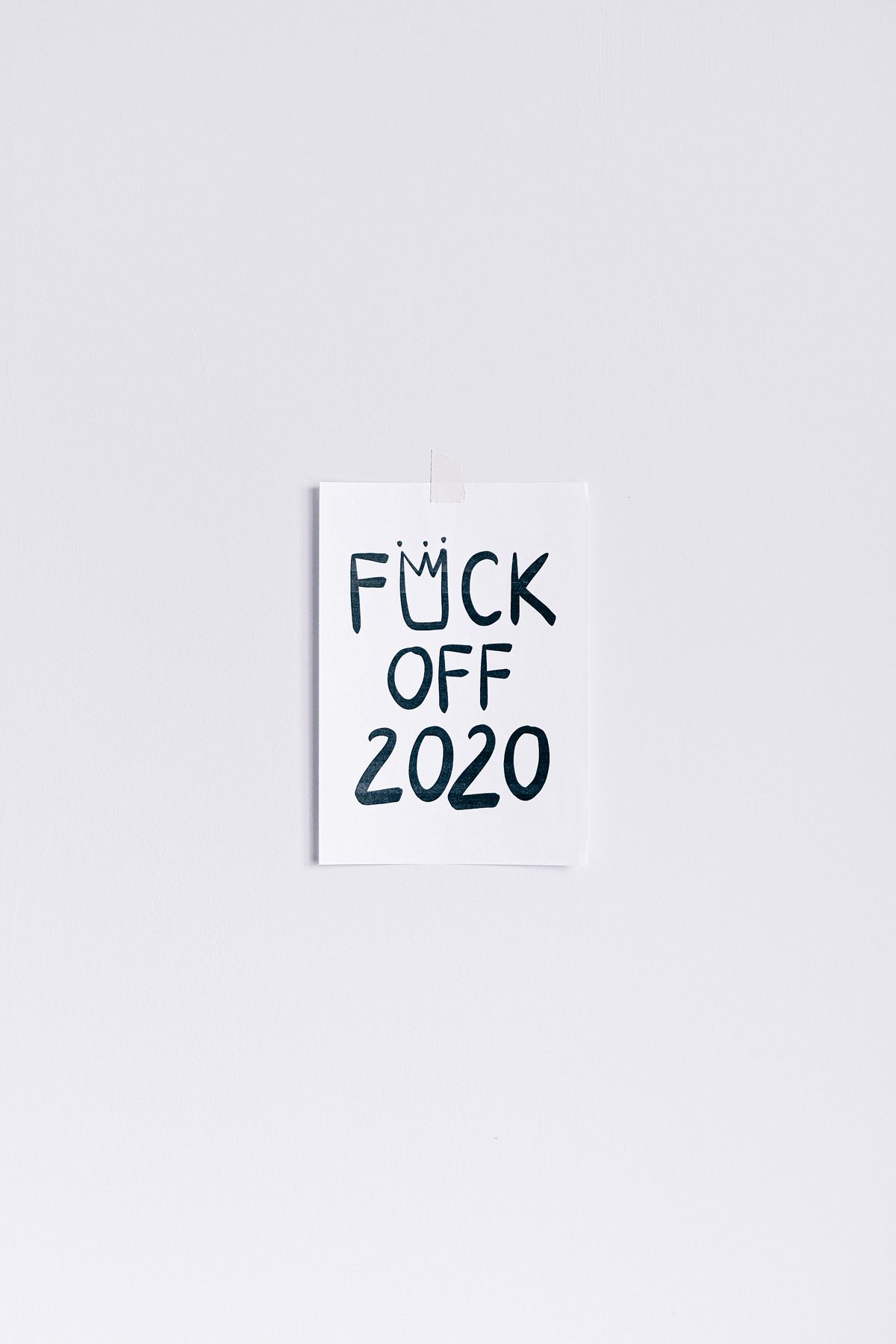
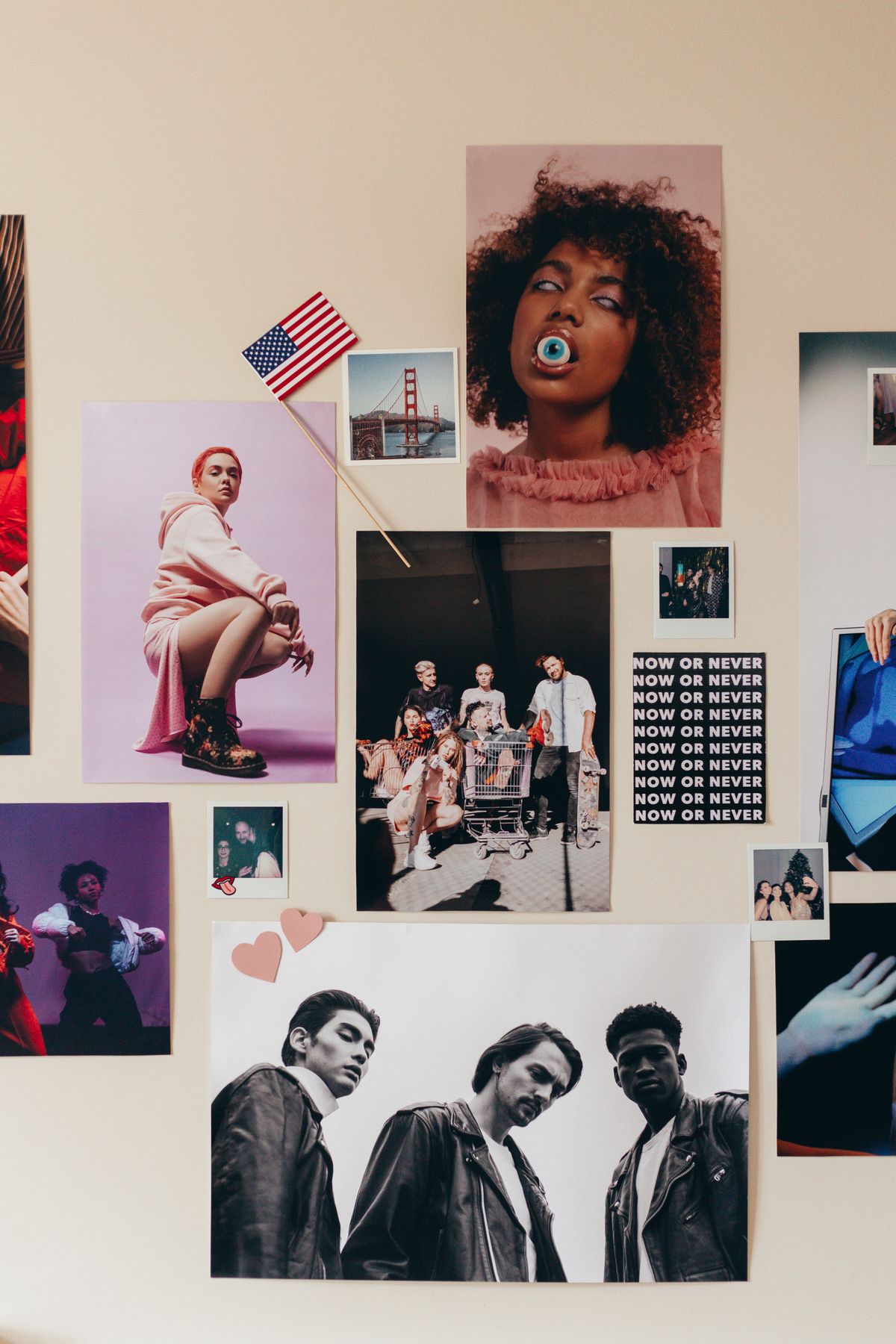
Watermarked until you sign up free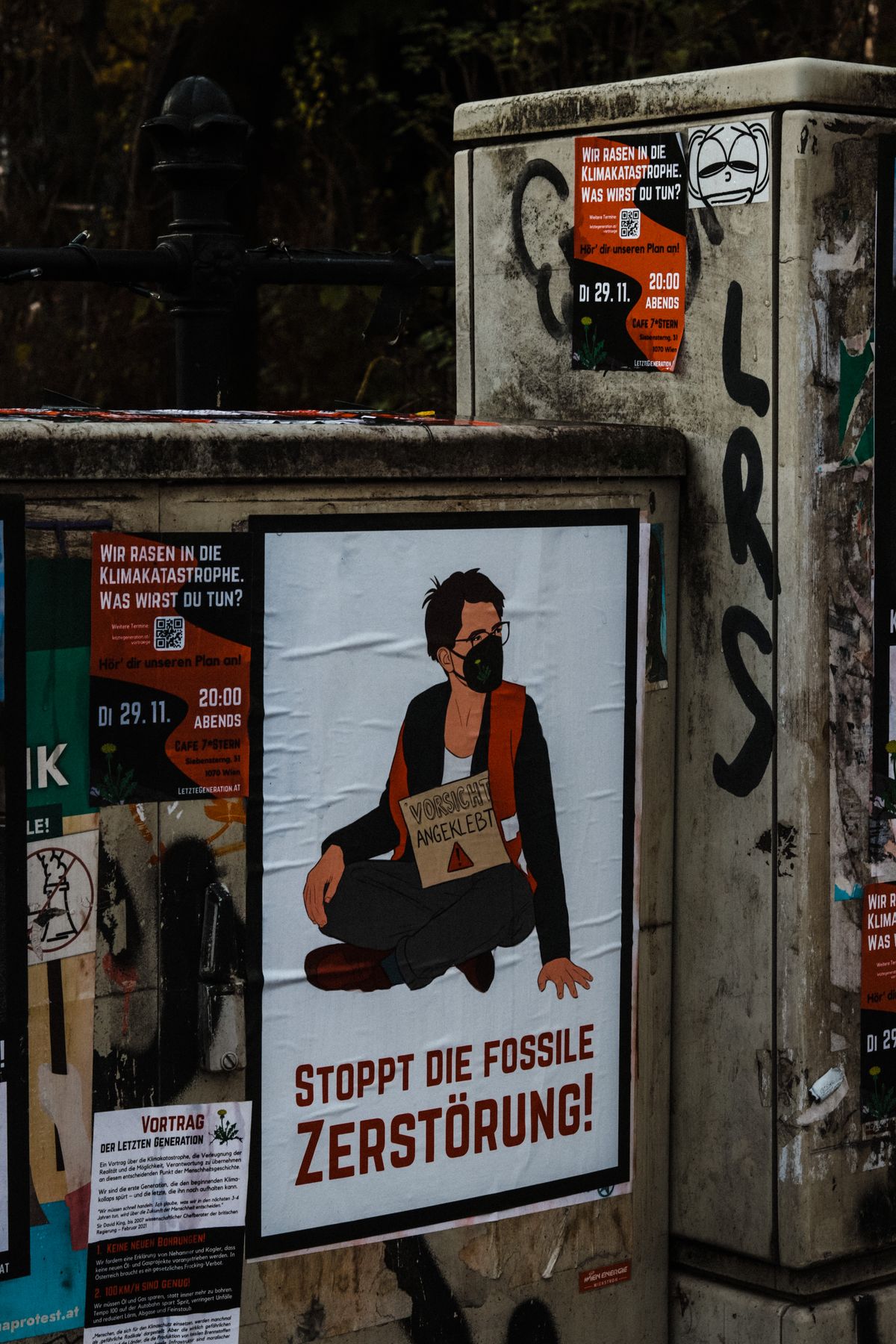

Your logo on every mockup
Add your logo once and it is placed on every image the flow generates, same position, same size, across the whole set. No bulk mockup generator does this, and it is the reason most sellers still finish their listing images by hand.
Design specifications
| A-series ratio | 1:1.414 (A2, A3, A4 all share it) |
|---|---|
| US print ratios | 18 × 24 in and 24 × 36 in are both 3:4 and 2:3, not A-series |
| Recommended resolution | 300 DPI at final size, 150 DPI absolute minimum |
| Bleed | 3 mm past the trim edge if the artwork runs to the border |
| Safe margin | Keep text 10 mm inside the trim, more if it will be framed |
| Colour profile | sRGB for screen, CMYK on request |
What sellers say
Before Custom Mockup Generator, every new design meant rebuilding the same five listing images from scratch. Now I drop in the design and get the whole set back ready to upload. It turned mockups from a production task into a checkbox.
Maya PatelEtsy seller, 40+ designsI tried template libraries, but the problem was never finding another mockup. It was making the same front, back, flat lay, size chart and lifestyle images over and over. Custom Mockup Generator finally solves that repetition.
Daniel BrooksPrint-on-demand sellerWe were considering building a rendering API because we had so many designs to process. Custom Mockup Generator gave us the result we actually needed without turning our shop into a software project.
Chris MorganPOD store ownerThe biggest difference is that I don't have to think about individual images anymore. I define the listing set once, add a new design, and the title, logo and size chart are already where they need to be.
Sofia RamirezIndependent apparel sellerMost mockup tools help you choose a scene. Custom Mockup Generator helps you finish a listing. That distinction sounds small until you're creating images for dozens or hundreds of products.
Alex TurnerE-commerce sellerI used to dread adding a new design because the artwork took five minutes and the mockups took forever. Now the artwork is basically the only part I have to do.
Jordan LeePrint-on-demand designer
Frequently asked questions
What size should I design a poster at?
Design at the ratio you intend to sell, then scale. A-series is 1:1.414 and the common US sizes are 2:3 or 3:4, so one file cannot fill both without cropping. If you sell in both, export a version per ratio rather than letting the printer decide where to cut.
Should I show the poster framed or unframed?
Both, in that order of usefulness. A framed wall shot gives scale and context, which is what makes someone imagine owning it, but buyers also want a flat, straight-on view to judge the artwork itself without a frame styling it.
Do I need bleed on a poster?
Only if the artwork reaches the paper edge. Add 3 mm past the trim so a slight cutting drift does not leave a white hairline. Designs with a deliberate white border do not need it, but they do need the border to be even.
Is this mockup generator free?
Yes. You get 4 free images without an account, and they carry a watermark. Pro is $7 a month and gives you 100 images, without the watermark.
Can I use these mockups commercially?
Yes, once the watermark is gone, which the Pro plan handles. Clean exports can be used on Etsy, Shopify, Amazon and print-on-demand listings, and in client work. Watermarked exports are for comps and internal review only.
Do I need Photoshop or a smart-object template?
No. This runs in the browser. Upload your artwork, choose the options, download the result. There is no PSD to open, no smart object to replace and nothing to install.
Which file formats can I upload?
PNG, JPG and WebP. PNG with a transparent background gives the cleanest result on every product, because a JPG carries a white rectangle that shows up against anything the artwork does not fully cover.