
Box Mockup Generator
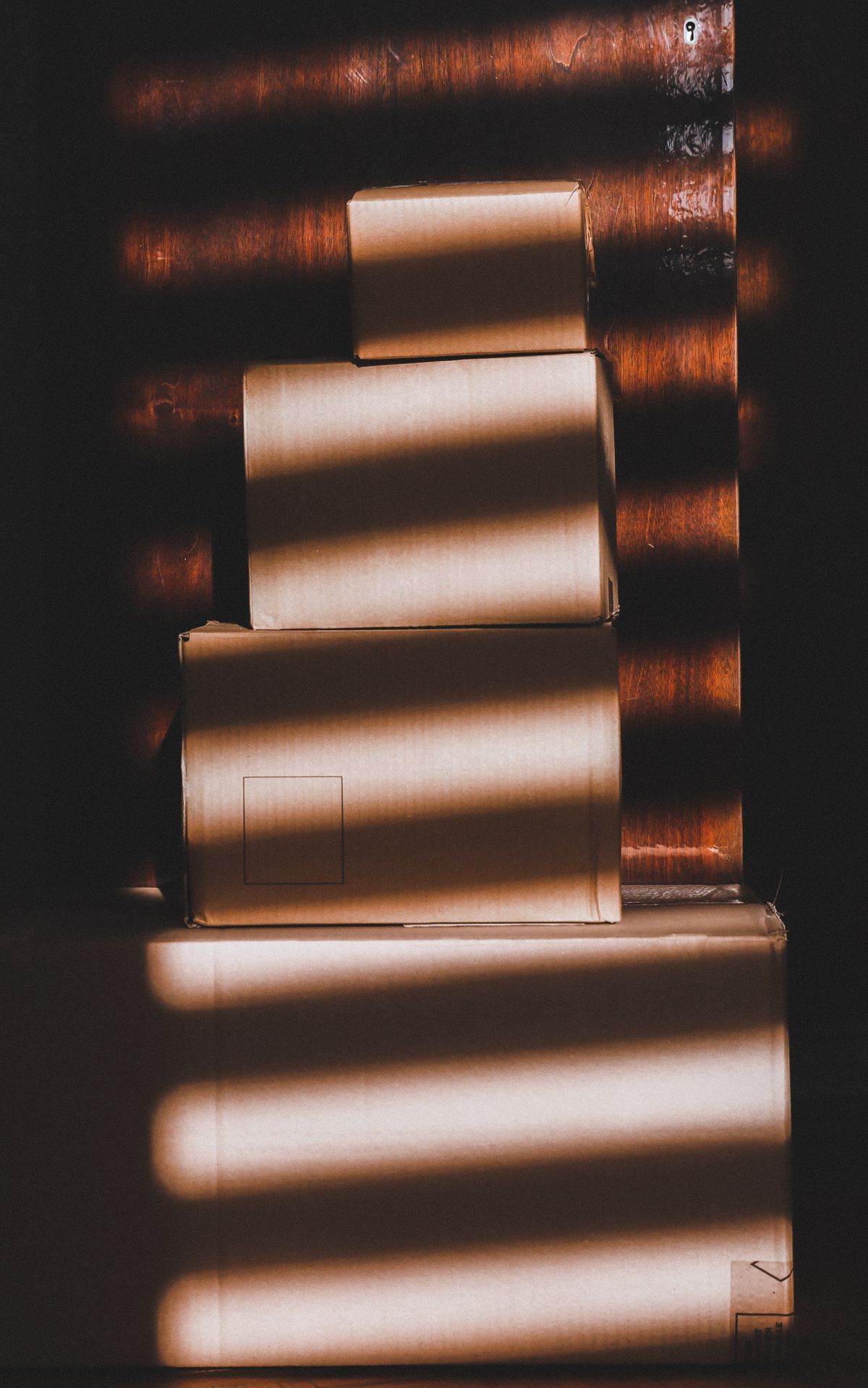
A box is the first product here with three faces in shot at once, and each one takes light differently: the front is lit, the side falls into shade, the lid catches the most. That is what makes a box read as solid. It also means the artwork is not one picture but a plan that folds, so a design has to survive being cut by two vertical creases.
How to make a box mockup
- 1
Upload your artwork
Supply the faces you want printed. If the design wraps, keep the important parts away from the fold lines, because a logo landing on a crease is the most common packaging mistake.
- 2
Pick the shape and the stock
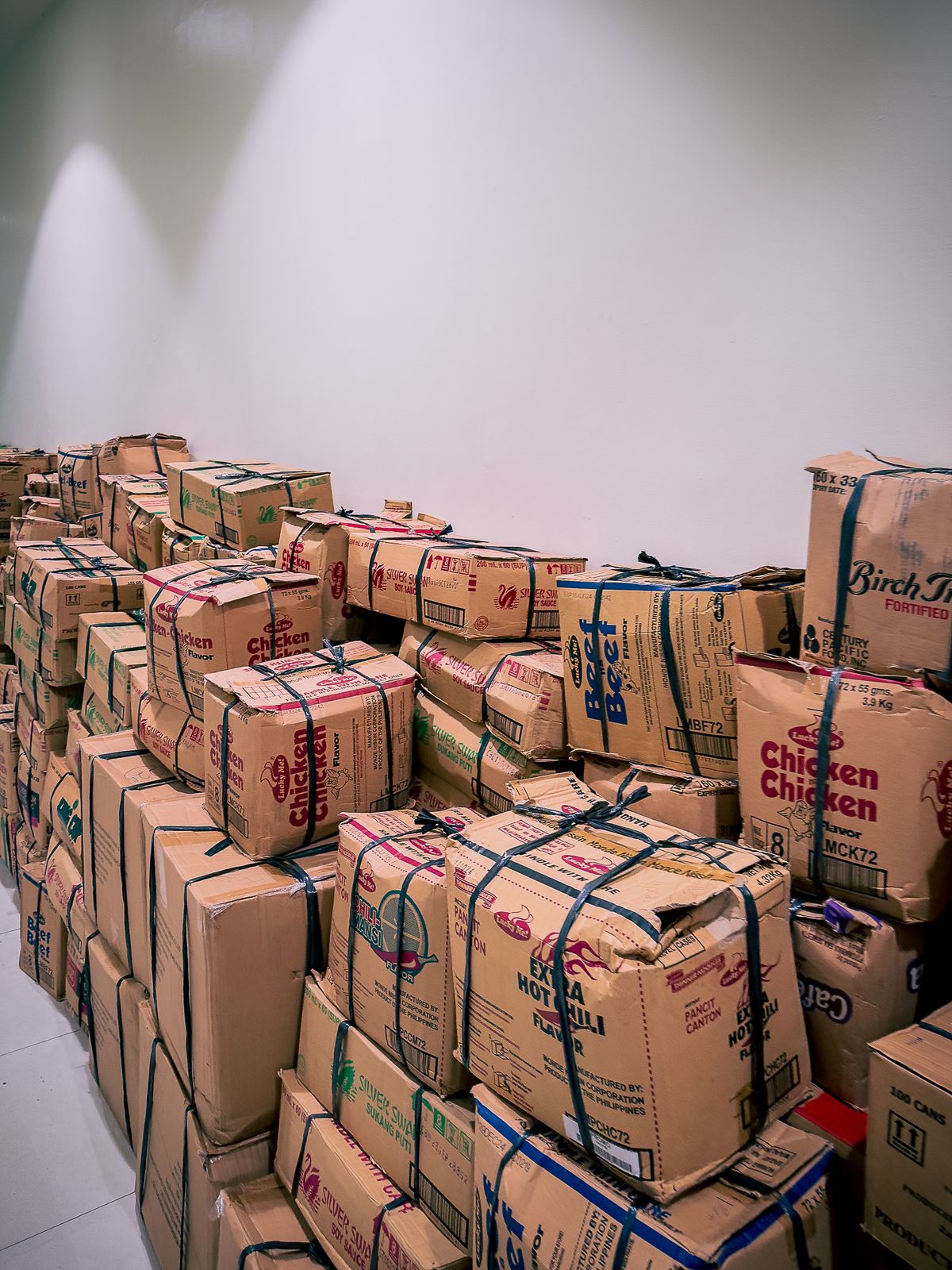
Proportion does most of the work: a shipping box, a shallow mailer and a tall carton are the same tool with different dimensions. Kraft, white and black stocks change the colour of everything printed on them.
- 3
Generate and download
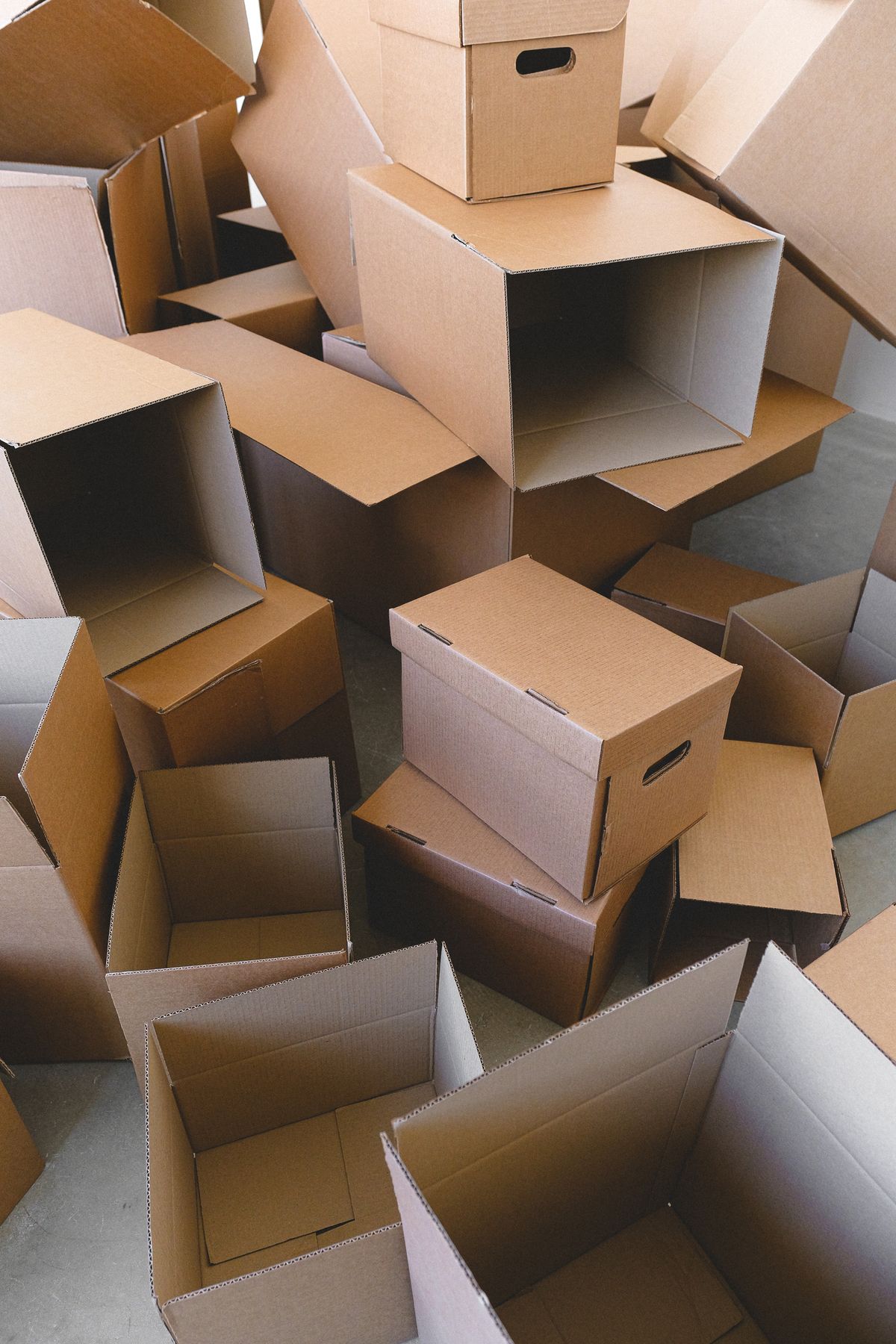
Three-quarter shots show structure; a group of three shows a range.
Stop rebuilding the same images
Signed in, you describe your listing set once — your scenes, your title, your size chart, your logo — and every new design runs through it and comes back finished. The tenth product costs what the first did.
Add a design to continue.
Required. Everything else has a sensible default.
Examples
Watermarked until you sign up free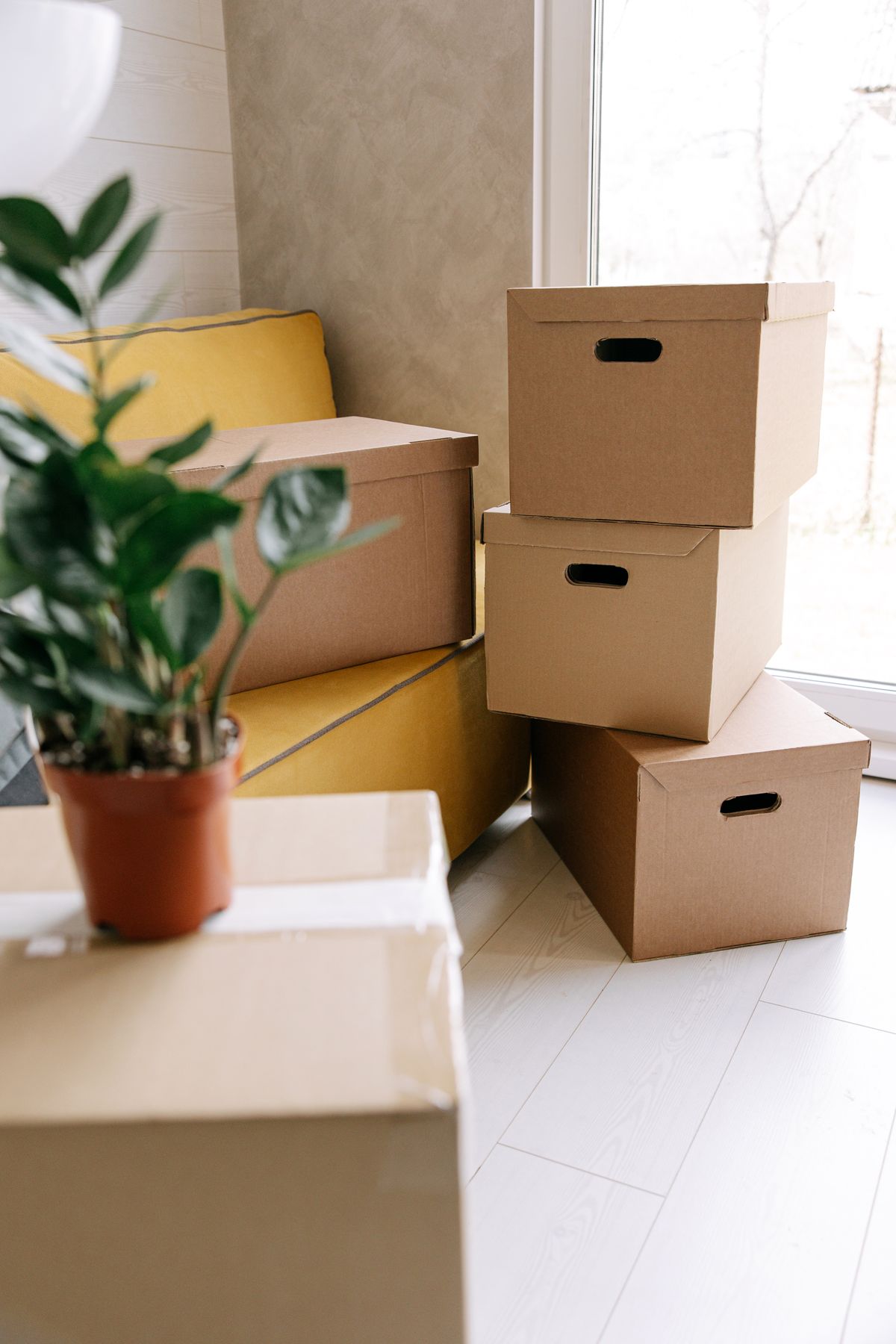
Your logo on every mockup
Add your logo once and it is placed on every image the flow generates, same position, same size, across the whole set. No bulk mockup generator does this, and it is the reason most sellers still finish their listing images by hand.
Design specifications
| Visible faces | Three at a three-quarter angle, one head on |
|---|---|
| Fold clearance | Keep logos and text 10 mm clear of every crease |
| Recommended resolution | 300 DPI at the flat, unfolded size |
| Bleed | 3 mm past every trim and glue edge |
| Kraft printing | Brown stock shifts every ink warmer; white ink needs an underbase |
| Dielines | Not produced here; this shows the finished box, not the cutting file |
What sellers say
Before Custom Mockup Generator, every new design meant rebuilding the same five listing images from scratch. Now I drop in the design and get the whole set back ready to upload. It turned mockups from a production task into a checkbox.
Maya PatelEtsy seller, 40+ designsI tried template libraries, but the problem was never finding another mockup. It was making the same front, back, flat lay, size chart and lifestyle images over and over. Custom Mockup Generator finally solves that repetition.
Daniel BrooksPrint-on-demand sellerWe were considering building a rendering API because we had so many designs to process. Custom Mockup Generator gave us the result we actually needed without turning our shop into a software project.
Chris MorganPOD store ownerThe biggest difference is that I don't have to think about individual images anymore. I define the listing set once, add a new design, and the title, logo and size chart are already where they need to be.
Sofia RamirezIndependent apparel sellerMost mockup tools help you choose a scene. Custom Mockup Generator helps you finish a listing. That distinction sounds small until you're creating images for dozens or hundreds of products.
Alex TurnerE-commerce sellerI used to dread adding a new design because the artwork took five minutes and the mockups took forever. Now the artwork is basically the only part I have to do.
Jordan LeePrint-on-demand designer
Frequently asked questions
Does this produce a dieline I can send to a printer?
No, and that is worth being clear about. This makes a photograph of a finished box for a listing or a presentation. A dieline is cut-and-fold geometry, a different kind of file with different correctness, and a printer asking for one will not accept a render.
What is the difference between the box shapes?
Proportion, mostly. A mailer is shallow and wide, a shipping carton is close to cubic, a cereal-style carton is tall and thin. They photograph the same way, so the shape is a control here rather than a separate generator.
Why does my artwork look darker on kraft?
Because brown card is not a neutral base. Every ink laid over it shifts warmer and loses some contrast, and light colours can disappear almost entirely unless the printer puts down a white underbase first. If the design depends on bright or pale colours, check it on white stock too.
Can I show more than one box in a shot?
Yes. A group of three is the standard way to show a range or the same box from several angles at once, and it is usually the strongest single image for a packaging listing.
Is this mockup generator free?
Yes. You get 4 free images without an account, and they carry a watermark. Pro is $7 a month and gives you 100 images, without the watermark.
Can I use these mockups commercially?
Yes, once the watermark is gone, which the Pro plan handles. Clean exports can be used on Etsy, Shopify, Amazon and print-on-demand listings, and in client work. Watermarked exports are for comps and internal review only.
Do I need Photoshop or a smart-object template?
No. This runs in the browser. Upload your artwork, choose the options, download the result. There is no PSD to open, no smart object to replace and nothing to install.
Which file formats can I upload?
PNG, JPG and WebP. PNG with a transparent background gives the cleanest result on every product, because a JPG carries a white rectangle that shows up against anything the artwork does not fully cover.