Alternativa a Smartmockups tras pasar a Canva

Smartmockups ya no es un producto propio. El dominio redirige a Canva, y la herramienta sobrevive dentro de una suite de diseño mucho mayor que aquello para lo que se registró la mayoría. Si Canva era donde querías acabar, ya estás ahí.

Ranked for one job: si obtienes una herramienta de mockups enfocada o una suite de diseño completa, y qué pasa con un flujo montado sobre un producto independiente. Every tool below carries what it genuinely does better and the reader who should pick it instead.

At a glance

ToolWhat it isStarting priceReusable listing setText & logo in mockup
Smartmockupsmerged into another producttemplate libraryNot publishedNoNo
Custom Mockup Generatorcustom flowFreeYesYes, automatically
Canva Mockupsdesign platformFreeNoYes, by hand
Placeittemplate library$2/moNoNo
Mediamodifiertemplate libraryFreeNoNo
Mockuuups Studiotemplate libraryFreeNoNo
Pebblelyai generator$9/moNoNo
Mokker AIai generatorFreeNoNo
Photoroomai generator₹167/moNoNo
Printifypod builtinFreeNoNo
MyDesignsai generatorFreeNoNo

Cheapest published tier at the time we checked. Some tools price by region, so see each card for the currency and date.

Every Smartmockups alternative, in depth

#1

Custom Mockup Generator

Set up your listing images once. Every new design comes back as the finished set, with your text, branding and logo already on it.

Where it wins
  • Your mockups can carry text, size charts and callouts, so the images you actually list are the ones being generated, not just the plain ones.
  • Your logo lands on every image in the set, same place, same size, without you nudging it into position eight times.
  • You define the set once. Adding a product reruns it instead of starting from scratch.
  • The scene adapts to your artwork. A red design picks up subtle red notes in the background, so every mockup is specific to that product instead of the same stock photo with your art pasted in.
  • Runs in a browser. No Photoshop licence, no plugin, nothing to install.
Where it stops
  • Newer than the big names, with a smaller ready made scene library than the giant template marketplaces.
  • Renders cost real money to produce, so the free tier is watermarked and metered rather than the flat unlimited price a template library can offer.
  • Built around a repeating listing set. If you only ever need one mockup of one product, that is more setup than the job deserves.
Pricing
  • FreeFreeWatermarked. A free account clears it
  • Paid$7/moStarting price

Our own pricing.

Choose this if

Sellers whose listing images carry their own text, layout or branding, and who add products often enough that rebuilding them by hand has become the annoying part of the week.
#2

Canva Mockups

Canva's mockup feature, and now the home of Smartmockups too, bolted onto a full design editor.

Where it wins
  • Free, and already open in a tab on most sellers' screens. No newer tool gets to claim that.
  • A full design editor, so text, layout and branding go exactly where you want them.
  • It absorbed Smartmockups, so it inherited a big and well liked scene library.
Where it stops
  • Every listing image is assembled by hand. Nothing regenerates when you add a product.
  • Consistency depends on you remembering the exact position, size and crop you used last time. Good luck.
Pricing
  • FreeFreeMockups on the free plan

Paid tier pricing not captured yet.

Choose this if

Anyone already designing in Canva who lists rarely enough that rebuilding each image by hand has not started to hurt yet.

Placeit homepage hero promoting its mockup and template library
#3

Placeit

Envato's mockup and template library, sold as one unlimited subscription with the largest ready made catalogue of any browser tool.

Where it wins
  • The largest ready made mockup catalogue of anything in this list, plus logos, video templates and design assets in the same subscription.
  • One flat unlimited price rather than per image or per credit metering.
Where it stops
  • Templates are fixed scenes. Your artwork drops into them; the scene does not respond to what you upload.
  • Every image is still assembled one at a time, so a new product means repeating the whole set by hand.
Pricing
  • Unlimited$2/moBilled yearly. One month minimum once you download

Page states billing is in USD regardless of viewing country. Headline price is the annual rate.

Choose this if

Sellers who want the widest possible library of ready made scenes and are happy to compose each listing image themselves.

Mediamodifier homepage hero showing its mockup generator
#4

Mediamodifier

A mockup library with a genuinely usable free tier and a mockup API on the team plan, aimed at designers and small brands.

Where it wins
  • One of the few tools here with a mockup API, so a developer can wire generation into an existing pipeline.
  • Publishes a free Starter tier rather than a watermarked trial, with templates, fonts and image tools listed on it.
Where it stops
  • Template based, so the scene is fixed and does not react to the artwork placed in it.
  • No concept of a saved listing set that reruns for the next product.
  • Reviewers repeatedly report that the free tier delivers far less than the pricing page implies, and some say they never found a usable free option at all.
Pricing
  • StarterFreeFree mockup and design templates, 1300+ fonts
  • Professional$16/mo$8.25/mo equivalent if billed annually at $99/yr
  • Team$38/moBilled yearly. Adds mockup API and 5 seats

Prices shown in USD with automatic local conversion. Excludes tax and VAT.

Choose this if

Designers who want a solid free library, and teams who need API access to generate mockups from their own system.

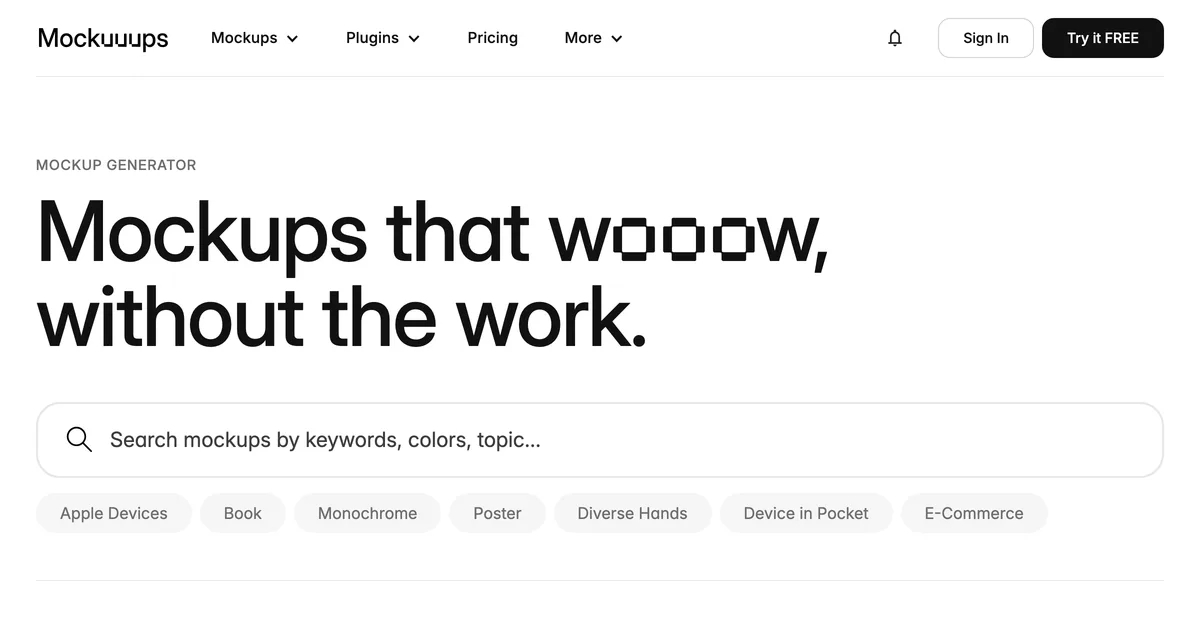
Mockuuups Studio homepage hero showing its mockup library
#5

Mockuuups Studio

A device and apparel mockup library with desktop and design tool plugins, aimed at product designers rather than sellers.

Where it wins
  • Plugins for the design tools you already have open, plus a desktop app, so mockups happen without a context switch.
  • Exports stay usable after you cancel, which makes one paid month a legitimate way to buy.
Where it stops
  • The free tier requires attribution, so it is not usable on a commercial listing.
  • Catalogue leans towards devices and screens rather than the apparel and packaging a print on demand seller lists.
Pricing
  • FreeFreeLimited set, requires attribution
  • Professional$15/mo$120/yr if billed annually. 5,300+ mockups
  • Team$20/moPer user. Adds SSO and unified billing

Exports remain usable after cancellation, so a single paid month is a viable purchase.

Choose this if

Product and UI designers presenting app or device work, especially anyone who wants mockups inside their existing design tool.

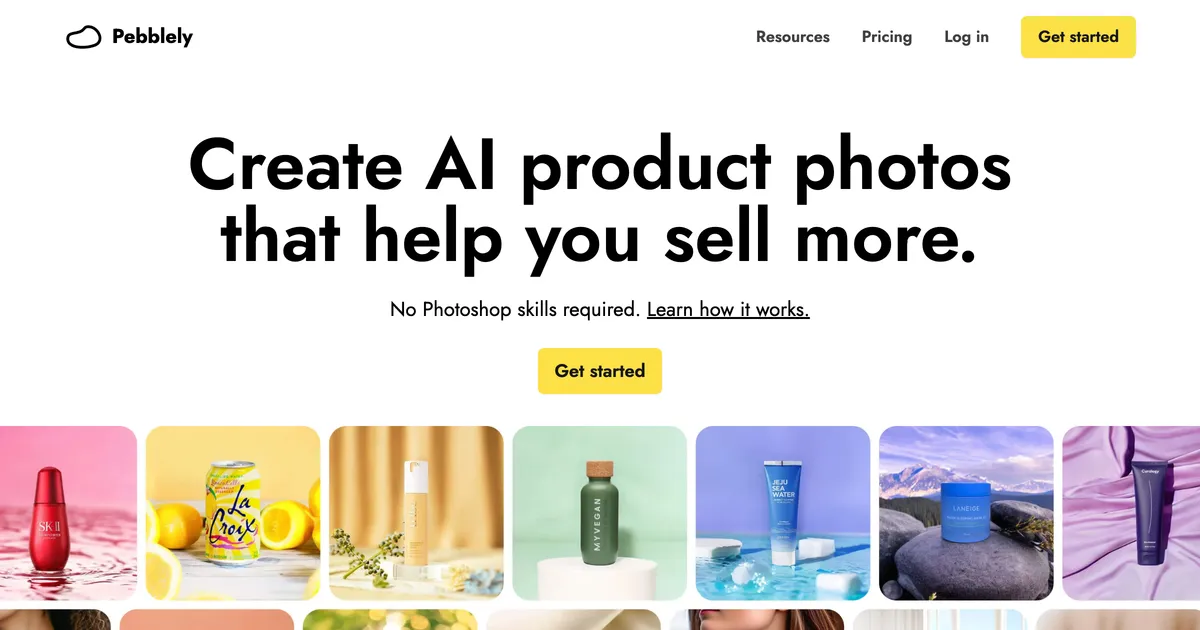
Pebblely homepage hero showing AI-generated backgrounds around product photos
#6

Pebblely

Upload a product photo, pick a theme, and get a generated scene around it. Metered by image rather than sold as a template library.

Where it wins
  • Generates a scene around a real product photo, which beats any template when the product itself is what you are selling.
  • Simple enough to use without learning a canvas: upload, pick a theme, done.
Where it stops
  • Starts from a photograph of an existing product, so it cannot help you list something you have not made yet.
  • Metered by image, so a heavy listing month costs more or stops early.
Pricing
  • Lite$9/mo30 images a month
  • Basic$19/mo200 images a month, bulk generate
  • Pro$39/mo500 images a month

No free tier listed on the pricing page, contrary to several aggregator posts. Yearly billing advertised as 2+ months free.

Choose this if

Sellers who already photograph their products and want better backgrounds, rather than sellers putting artwork onto a blank product.

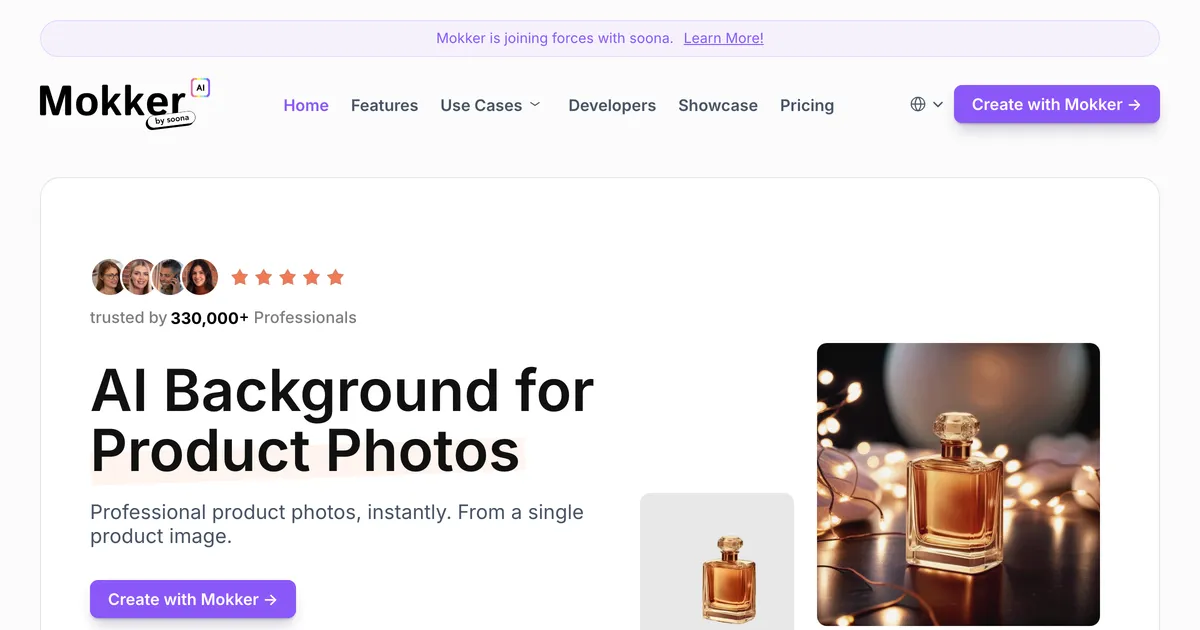
Mokker AI homepage hero promoting generated product photos for sellers
#7

Mokker AI

AI product photography aimed at clean studio shots, with a free trial allowance and unlimited photos on the team plans.

Where it wins
  • Unlimited photos on the team tiers, which is unusual in a category that meters almost everything by image.
  • Consistent white and studio backgrounds, which is what marketplace listing rules usually ask for.
Where it stops
  • Also starts from a product photograph, so it does not cover a product that does not exist yet.
  • The free allowance is 20 photos once, not monthly, so it is a trial rather than a usable free tier.
Pricing
  • FreeFree20 photos, one time
  • Starter$13/mo500 photos a month
  • Team$29/moPer user, 3 seats included. Unlimited photos
  • Organization$83/moPer user, 5 seat minimum

Annual billing advertised as up to 35% off. The free tier is a one-time 20 photos rather than a monthly allowance.

Choose this if

Sellers with real product photos who need consistent studio backgrounds across a catalogue, especially for marketplaces with strict image rules.

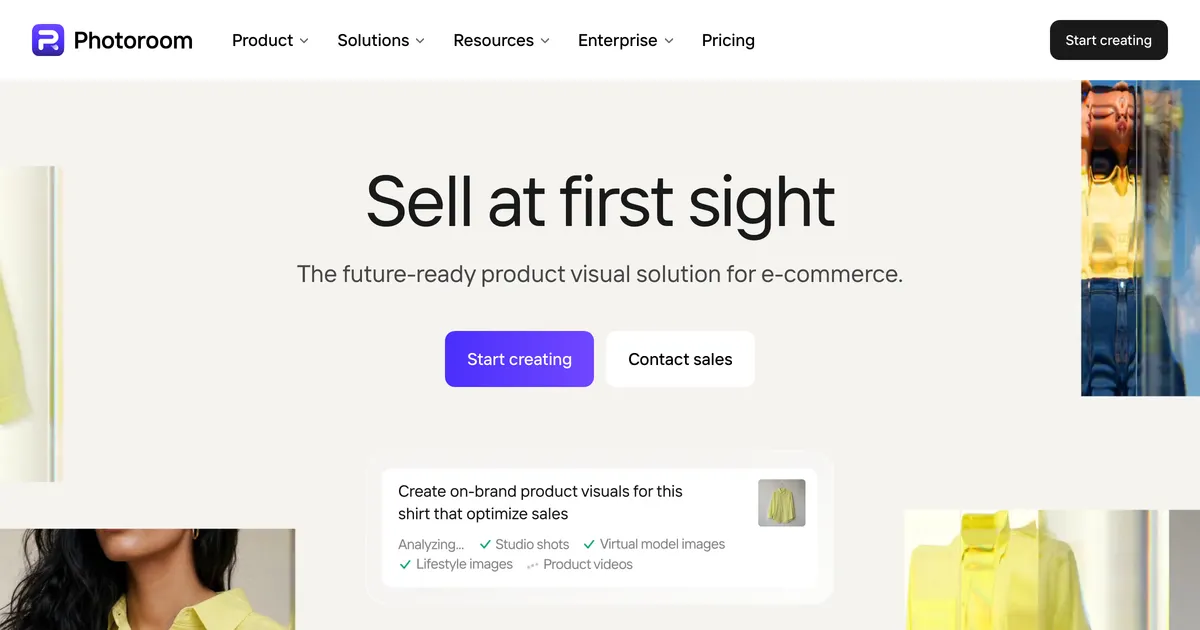
Photoroom homepage hero promoting product image editing at catalogue scale
#8

Photoroom

AI product photo editing at catalogue scale: background removal, generated scenes, virtual models and batch processing, metered in credits.

Where it wins
  • Built for catalogue scale, with batch processing and export limits in the thousands rather than the dozens.
  • Background removal, generated backdrops and virtual models in one tool, so a product photo can be finished without a second app.
Where it stops
  • Starts from a photograph, so it cannot produce an image of a product you have not made or shot yet.
  • Metered in credits and exports, which makes a heavy listing month a budgeting question rather than a flat cost.
Pricing
  • Pro₹167/moBilled yearly. Struck-through monthly rate shown as INR 299
  • Max₹334/moBilled yearly. 3,800 AI credits, 3,000 exports
  • Ultra₹7,159/moBilled yearly. 20,000 AI credits, 10,000 exports
  • EnterpriseNot publishedCustom, contact sales

Captured from an Indian IP and priced in INR. Photoroom geo-localises, so a US reader will see different figures and a different currency.

Choose this if

Sellers with a large catalogue of real product photographs who need them cleaned up and staged consistently at volume.

Printify homepage hero promoting its print on demand platform
#9

Printify

A print on demand fulfilment platform whose AI mockup generator sits behind the Premium plan alongside the catalogue and order routing.

Where it wins
  • Mockups, product catalogue and fulfilment live in one workflow, so the image you approve is tied to the product that ships.
  • The free plan covers five stores, which is more generous than most fulfilment platforms.
Where it stops
  • Only covers products Printify itself fulfils. It is not a general mockup tool.
  • AI mockups sit behind the $39/mo Premium plan rather than the free tier.
Pricing
  • FreeFree5 stores, unlimited product designs
  • Premium$39/mo$24.99/mo equivalent billed annually. AI Mockups included

Enterprise tier is custom priced. AI Mockups are a Premium feature, not free.

Choose this if

Sellers already fulfilling through Printify who want product images that match their catalogue exactly and never leave the platform.

MyDesigns homepage hero promoting its print on demand workflow
#10

MyDesigns

A print on demand workflow tool that bundles bulk product mockups, bulk video mockups and listing automation into one subscription.

Where it wins
  • Bulk mockups and bulk video mockups in one place, which is closer to a listing workflow than a template library is.
  • The mockup generator is available on the free tier rather than locked behind the top plan.
Where it stops
  • Built around its own print on demand workflow, so it is a larger commitment than a tool you only want mockups from.
  • Paid tiers start at $19.99/mo, above several dedicated mockup tools in this list.
Pricing
  • FreeFreeMockup generator included
  • Starter$20/mo
  • Pro$40/mo
  • Pro Plus$80/mo

Annual billing advertised at 20% off. Custom mockups listed on every paid tier.

Choose this if

Print on demand sellers who want mockups, listing automation and video assets from one subscription and are willing to adopt its workflow.

What users say about Smartmockups

All Smartmockups reviews on Trustpilot

Feature comparison

FeatureSmartmockupsCustom Mockup GeneratorCanva MockupsPlaceitMediamodifierMockuuups StudioPebblelyMokker AIPhotoroomPrintifyMyDesigns
Reusable listing setNoYesNoNoNoNoNoNoNoNoNo
Text and size charts inside the mockupNoYesPartlyNoNoNoNoNoNoNoNo
Logo auto-placed on every imageNoYesNoNoNoNoNoNoNoNoNo
Scene adapts to the artworkNoYesNoNoNoNoNoNoNoNoNo
Works without PhotoshopYesYesYesYesYesYesYesYesYesYesYes
Free tierNoYesYesNoYesYesNoYesNoYesYes

Stop rebuilding the same listing images

Describe your set once. Every new design comes back complete, with your title, size chart and logo already on it. Free to try, no account needed.

Start free

Should you switch from Smartmockups?

Primero no hagas nada. Canva Mockups es el sucesor directo, está en el plan gratuito, y para muchos antiguos usuarios de Smartmockups ahí acaba la pregunta. Mira en otro sitio solo si el problema es la suite: si querías una herramienta enfocada y ahora tienes un editor entero alrededor, o si tu cuenta y tus plantillas no pasaron como esperabas. Esas son las dos quejas por las que merece actuar, y apuntan a reemplazos distintos.

Best Smartmockups alternative, by what you sell

Pricing compared

ToolTiers
Smartmockups
  • Discontinued Not published
Custom Mockup Generator
  • Free Free
  • Paid $7/mo
Canva Mockups
  • Free Free
Placeit
  • Unlimited $2/mo
Mediamodifier
  • Starter Free
  • Professional $16/mo
  • Team $38/mo
Mockuuups Studio
  • Free Free
  • Professional $15/mo
  • Team $20/mo
Pebblely
  • Lite $9/mo
  • Basic $19/mo
  • Pro $39/mo
Mokker AI
  • Free Free
  • Starter $13/mo
  • Team $29/mo
  • Organization $83/mo
Photoroom
  • Pro ₹167/mo
  • Max ₹334/mo
  • Ultra ₹7,159/mo
  • Enterprise Not published
Printify
  • Free Free
  • Premium $39/mo
MyDesigns
  • Free Free
  • Starter $20/mo
  • Pro $40/mo
  • Pro Plus $80/mo

Prices are geo-localised, so what you see may differ from what is listed here.

When Smartmockups is still the right choice

Stick with Smartmockups when

  • Canva es un sitio donde te alegraba acabar, y los mockups siguen haciendo lo que necesitas.
  • Usas el editor más amplio, así que tenerlo envolviendo la herramienta es una ganancia y no un coste.
  • El plan gratuito cubre tu volumen, que para mockups ocasionales suele hacerlo.
  • Tus plantillas y tu trabajo guardado pasaron intactos.

Consider switching when

  • Querías una herramienta enfocada y una suite de diseño completa es más de lo que pediste.
  • Tus imágenes de anuncio se repiten entre productos, algo que ninguna biblioteca resuelve por grande que sea.
  • Trabajas desde fotografías de producto y no desde arte, que es otra categoría de herramienta.
  • Necesitas una API de mockups o un plugin, y una suite de diseño no tiene esa forma.

Moving off Smartmockups

Lo incómodo es que no hay migración que ejecutar. Smartmockups no era un formato de proyecto que exportes, así que lo que tienes es un conjunto de imágenes terminadas y una costumbre.

Comprueba dos cosas antes de decidir nada. Primero, si tu cuenta y tus plantillas guardadas pasaron de verdad a Canva, porque eso responde por sí solo casi toda la pregunta. Segundo, si las imágenes que haces son piezas sueltas o el mismo conjunto repetido por producto. Esas dos respuestas apuntan a reemplazos completamente distintos, y elegir antes de saberlas es como se acaba pagando la herramienta equivocada dos veces.

The honest verdict

Canva es la opción por defecto honesta. Es el sucesor, es gratis de probar, y una redirección es una pista fuerte sobre dónde se está invirtiendo el futuro del producto.

El argumento para irse es más estrecho de lo que sugiere internet. No es que Canva sea peor; es que una suite y una herramienta enfocada son cosas distintas, y algunas personas querían de verdad la enfocada. Si eres de esas, la pregunta útil es qué hacías con Smartmockups, porque un conjunto de anuncio que se repite y un montón de fotografías de producto piden respuestas distintas.

Frequently asked questions

¿Smartmockups ha cerrado?

Más que cerrado, absorbido. A 5 de agosto de 2026 smartmockups.com devuelve una redirección permanente a canva.com/mockups, y la herramienta se ofrece como parte de Canva en vez de como producto aparte.

¿Canva Mockups es lo mismo que Smartmockups?

Es el sucesor más que una copia. La capacidad de mockups sobrevive dentro de un editor de diseño mucho mayor, así que la herramienta a la que llegas viene envuelta en una suite que Smartmockups nunca tuvo.

¿Hay una alternativa gratuita a Smartmockups?

Canva incluye mockups en su plan gratuito, lo que lo convierte en el reemplazo directo más barato. Mediamodifier también tiene un plan gratuito genuinamente utilizable en vez de una vista previa con marca de agua.

¿Qué pasó con mis plantillas de Smartmockups?

Depende de tu cuenta y es lo primero que hay que comprobar, porque decide casi toda la cuestión. Si pasaron a Canva intactas, el cambio no te cuesta más que una interfaz distinta.

¿Qué alternativa se parece más al flujo antiguo?

Para una sensación enfocada e independiente, Mockuuups Studio es lo más cercano, con plugins y aplicación de escritorio en vez de una suite de navegador. Por amplitud de catálogo, Placeit es la mayor. Ninguna es un reemplazo directo, porque el producto al que sustituirían ya no existe.

What sellers say

Other tools people compare

Si hacías las mismas imágenes una y otra vez

Describe tu conjunto de anuncio una vez, luego suelta cada diseño nuevo y recibe el conjunto entero con tu título, tabla de tallas y logo ya colocados.

Ver generadores de ropa