Alternativa a Mockuuups Studio

Casi todas las herramientas de esta categoría te piden salir de tu aplicación de diseño, subir un archivo y volver con una imagen. Mockuuups se compra en buena medida para evitar eso, y por eso aquí el soporte de plugin y el modelo de precio importan más que el tamaño del catálogo.

Ranked for one job: si los mockups ocurren dentro de la herramienta que ya tienes abierta, y si puedes pagar una vez en lugar de suscribirte. Every tool below carries what it genuinely does better and the reader who should pick it instead.

At a glance

ToolWhat it isStarting priceReusable listing setText & logo in mockup
Mockuuups Studiotemplate libraryFreeNoNo
Custom Mockup Generatorcustom flowFreeYesYes, automatically
Anglephotoshop pluginFreeNoNo
Previewedtemplate libraryFreeNoNo
Screenhancetemplate libraryFreeNoNo
MockuPhonetemplate libraryFreeNoNo
Dynamic Mockupscustom flowNot publishedYesNo
Pacdoratemplate library$9/moNoNo
BulkMockupphotoshop plugin$15/moNoNo
Mediamodifiertemplate libraryFreeNoNo
Recraftai generatorFreeNoNo

Cheapest published tier at the time we checked. Some tools price by region, so see each card for the currency and date.

Every Mockuuups Studio alternative, in depth

#1

Custom Mockup Generator

Set up your listing images once. Every new design comes back as the finished set, with your text, branding and logo already on it.

Where it wins
  • Your mockups can carry text, size charts and callouts, so the images you actually list are the ones being generated, not just the plain ones.
  • Your logo lands on every image in the set, same place, same size, without you nudging it into position eight times.
  • You define the set once. Adding a product reruns it instead of starting from scratch.
  • The scene adapts to your artwork. A red design picks up subtle red notes in the background, so every mockup is specific to that product instead of the same stock photo with your art pasted in.
  • Runs in a browser. No Photoshop licence, no plugin, nothing to install.
Where it stops
  • Newer than the big names, with a smaller ready made scene library than the giant template marketplaces.
  • Renders cost real money to produce, so the free tier is watermarked and metered rather than the flat unlimited price a template library can offer.
  • Built around a repeating listing set. If you only ever need one mockup of one product, that is more setup than the job deserves.
Pricing
  • FreeFreeWatermarked. A free account clears it
  • Paid$7/moStarting price

Our own pricing.

Choose this if

Sellers whose listing images carry their own text, layout or branding, and who add products often enough that rebuilding them by hand has become the annoying part of the week.
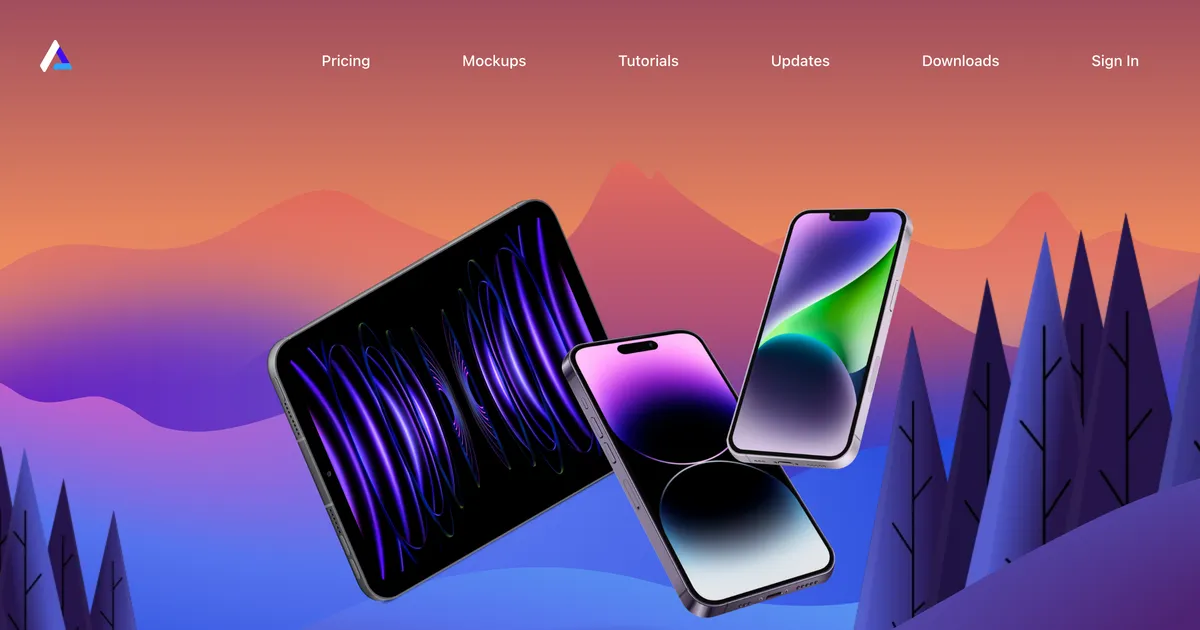
Angle homepage hero showing device mockups in perspective for Sketch and Figma
#2

Angle

A device mockup pack and plugin for Sketch, Figma and XD, bought once rather than subscribed to.

Where it wins
  • A genuine one-time price in a category that has almost entirely moved to subscriptions.
  • Works inside Sketch, Figma and XD, so mockups happen where the design already is.
  • The free tier is a usable 50 mockups rather than a watermarked preview.
Where it stops
  • Devices only. It has nothing to say about apparel, print or packaging.
  • Device coverage ages once the free upgrade year ends, which matters in a category where new phones ship annually.
Pricing
  • FreeFreePlugin plus 50 free mockups
  • Standard$79 one-timeIncludes free upgrades for new devices for one year
  • Extended$149 one-time

One-time purchase rather than a subscription. Upgrades for newly released devices are free for a year, after which the pack stops gaining devices unless repurchased.

Choose this if

Product designers who work in Sketch or Figma, want device mockups in perspective, and would rather buy once than subscribe.

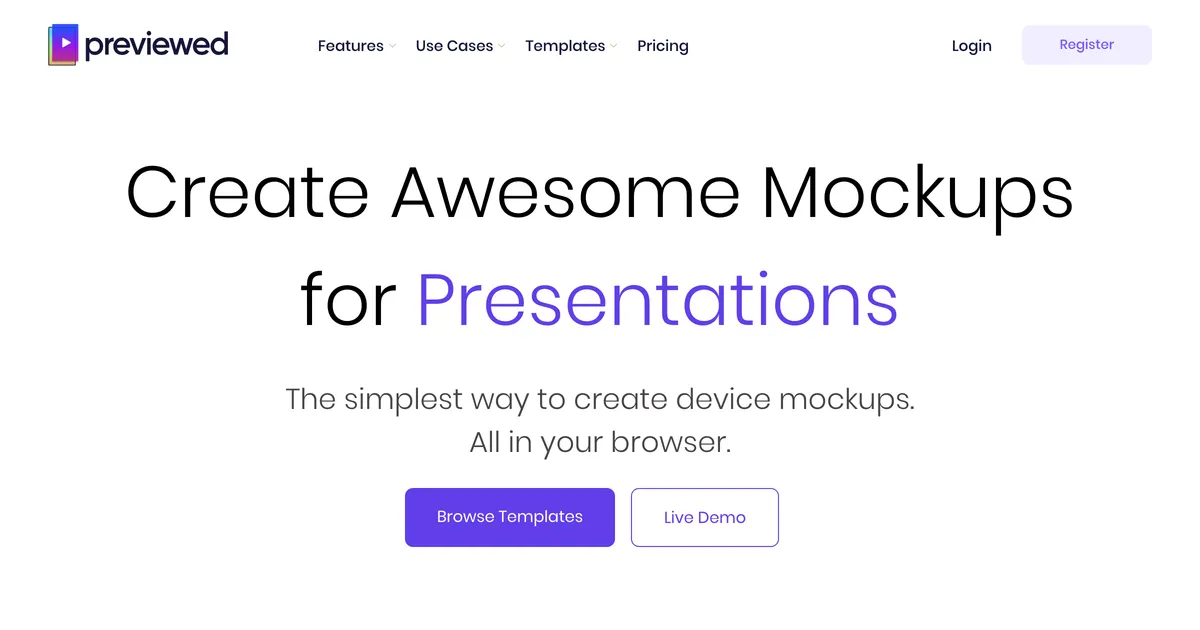
Previewed homepage hero showing app store screenshot and device mockup templates
#3

Previewed

App store screenshot and device mockup generator, including 3D scenes and video exports sized for each store.

Where it wins
  • Exports at the exact dimensions each app store demands, which is fiddly to get right by hand.
  • A genuine one-time paid tier, which is rare in a category that is otherwise all subscriptions.
  • 3D device scenes and video exports rather than flat screenshots.
Where it stops
  • Devices and app screenshots only. It has nothing to do with apparel, print or packaging.
  • The free tier carries an attribution licence, so it cannot be used commercially as-is.
Pricing
  • LiteFreeUnlimited 2D exports at 720p, Creative Commons attribution licence
  • Plus$10 one-time10 exports at 1080p+, 3D and video exports, commercial licence
  • Pro$19/moBilled $228 per year. Unlimited exports

Free tier requires attribution and is not a commercial licence, so the paid one-time tier is the first commercially usable plan.

Choose this if

App developers preparing store listings who need correctly sized screenshots more than they need product mockups.

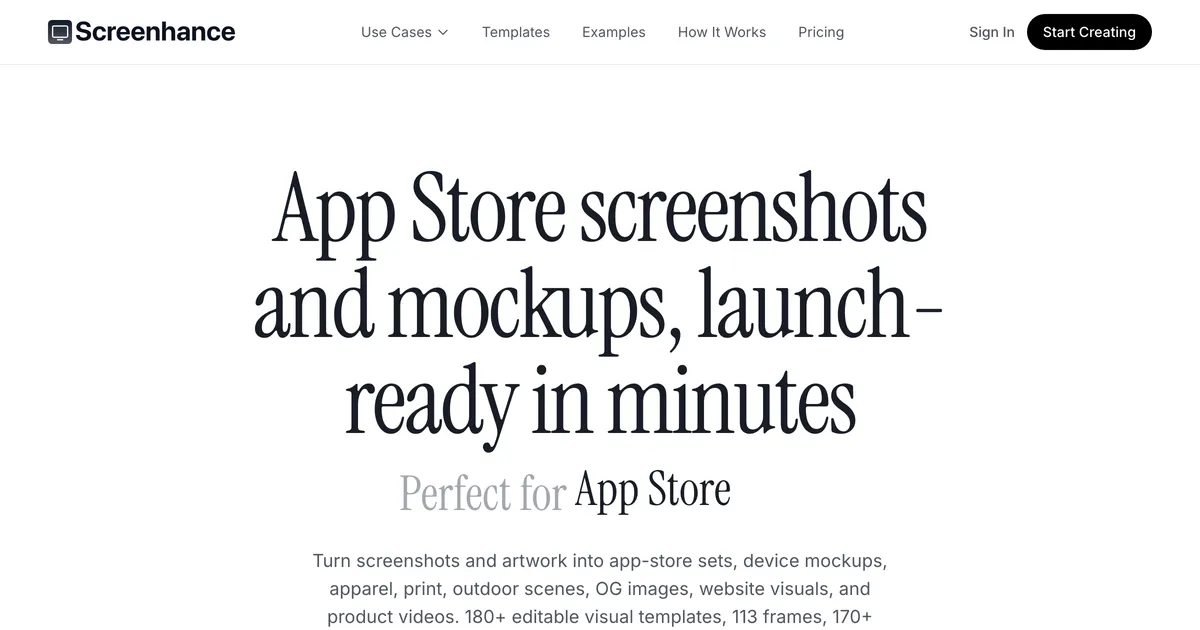
Screenhance homepage hero showing app store screenshot templates
#4

Screenhance

App store screenshots and launch visuals, priced around bursts of work rather than continuous use.

Where it wins
  • A one-week pass for the launch week, which fits how app releases actually cluster.
  • No template paywall: every frame and template is available on the free tier.
  • Handles App Store screenshot sets and localisation, which is fiddly to do by hand.
Where it stops
  • Apps and screens only, so it is irrelevant to anyone selling physical products.
  • The free tier's three exports a month is enough to evaluate and not much else.
Pricing
  • FreeFree3 exports a month
  • Launch Pass$6 one-time10 watermark-free image exports over 7 days. Demo videos stay watermarked
  • Pro$12/moUnlimited exports. $99/year billed yearly

Templates and device frames are on every tier including free; the paid tiers buy throughput rather than content. The $6 pass is one-time with no auto-renewal, which the pricing page states explicitly.

Choose this if

App developers shipping a launch who need a burst of store-ready visuals and do not want another monthly subscription.

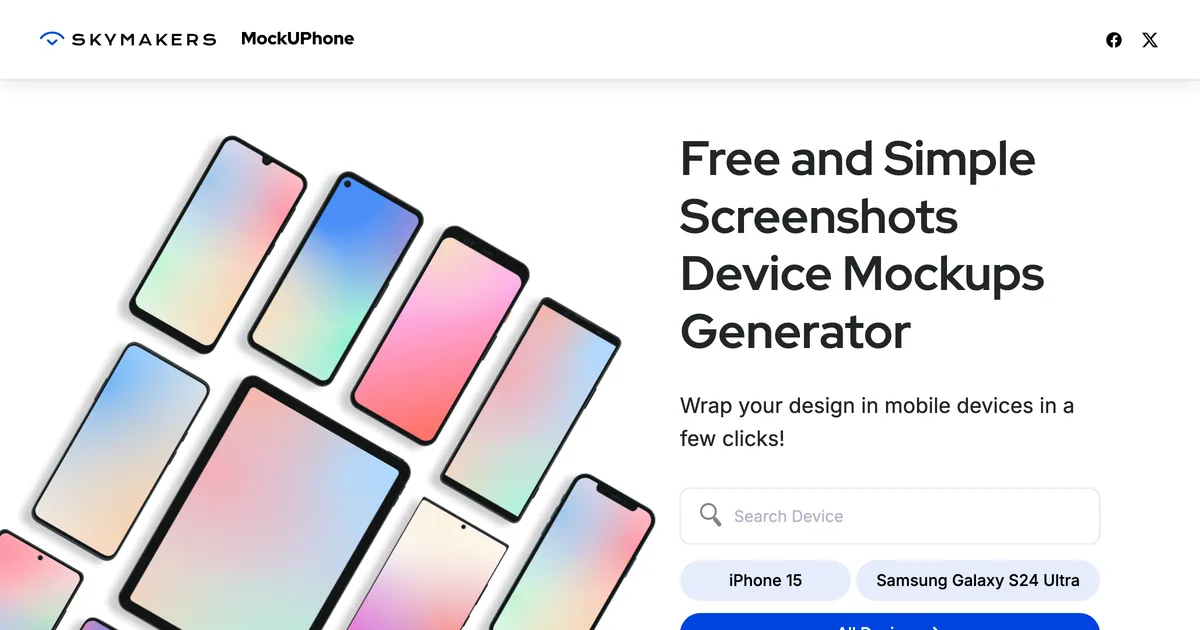
MockuPhone homepage hero offering free device mockups with no account
#5

MockuPhone

Drops a screenshot into a device frame and gives it back. No account, no editor, no charge.

Where it wins
  • Free with no account, which makes it the fastest way to frame a screenshot.
  • Does exactly one job, so there is nothing to learn before using it.
Where it stops
  • Device frames only: no scenes, no perspective, no composition.
  • No branding, text or layout control, so output needs another tool afterwards.
Pricing
  • FreeFreeNo account required

Free with no paid tier offered. Describes itself as a free and simple device mockup generator.

Choose this if

Anyone who needs a screenshot inside a phone frame right now and does not want to sign up for anything.

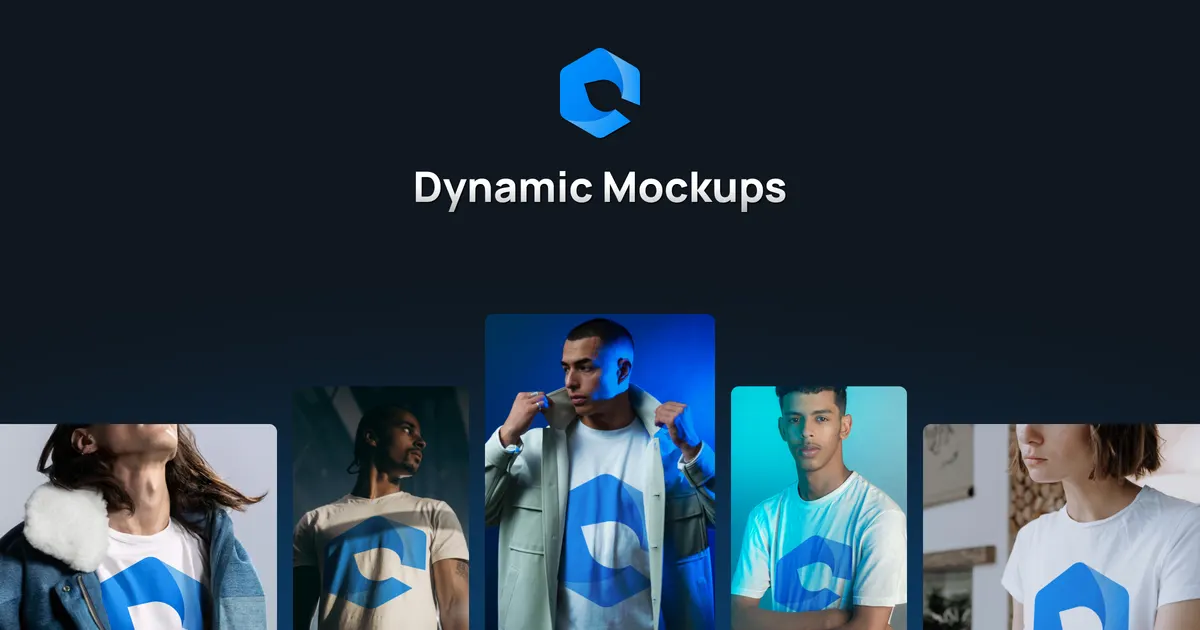
Dynamic Mockups homepage hero promoting an API for automated mockup rendering
#6

Dynamic Mockups

Upload your own PSDs, generate in bulk, and drive the whole thing from an API if you have a developer.

Where it wins
  • Bring your own PSDs, so your existing template look survives exactly as it is.
  • There is an API, so you can wire generation straight into an existing pipeline.
  • Built for bulk from day one rather than bolted on as a presentation feature.
Where it stops
  • You need the PSD templates first, which quietly assumes Photoshop skills up front.
Pricing
  • Not capturedNot publishedNot captured yet

Pricing not verified yet, so this one stays off published pages until it is.

Choose this if

Teams who already have PSD templates and a developer, and would rather generate through an API than a UI.

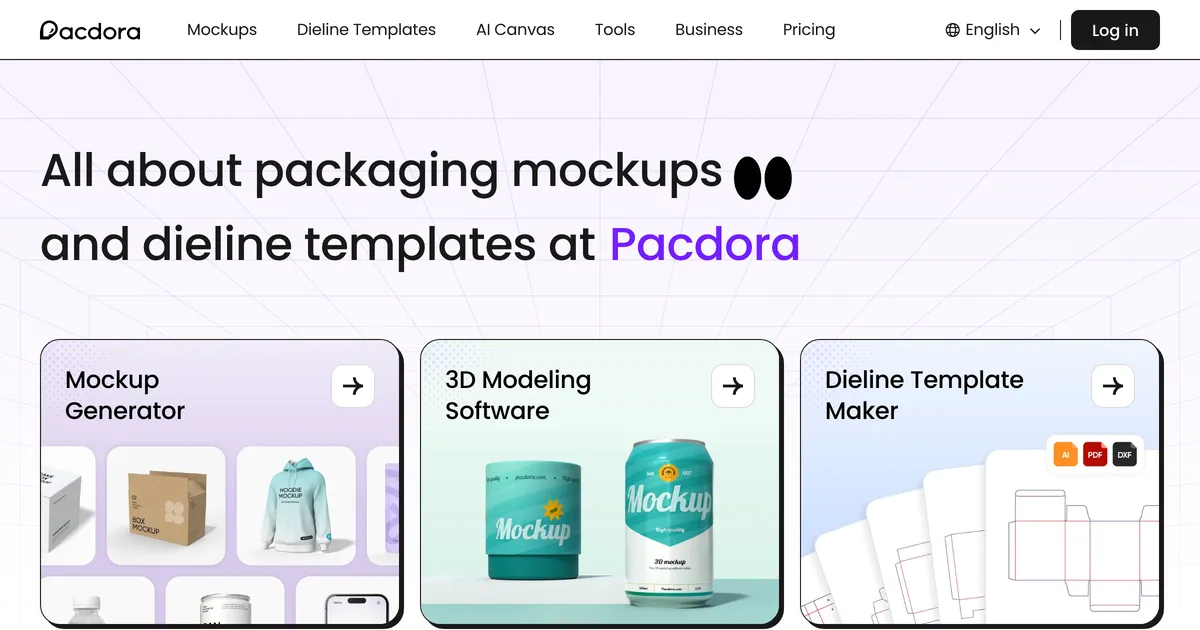
Pacdora homepage hero showing 3D packaging templates and dielines
#7

Pacdora

Packaging specific: 3D dielines, box mockups and structural templates, aimed at people designing the box rather than printing on a shirt.

Where it wins
  • Dielines and 3D structural templates, which no general mockup tool on this page offers at all.
  • Genuinely deep on packaging: boxes, pouches, cans and labels rather than a handful of token box scenes.
Where it stops
  • Packaging only. It is the wrong tool entirely for apparel, print or devices.
  • No free plan, so evaluating it costs money before you know whether the dielines fit your product.
Pricing
  • Lite$9/moBilled $108 annually. 300 AI credits a month
  • Pro$17/moPer seat, billed $199 annually. 3,000 AI credits
  • Business$59/moPer seat, billed $708 annually. 10,000 AI credits

Page states prices are in USD regardless of viewing country. No free plan; Pacdora explains on the page that it deliberately does not offer one.

Choose this if

Anyone designing physical packaging who needs a correct dieline as well as a pretty render, especially for boxes and pouches.

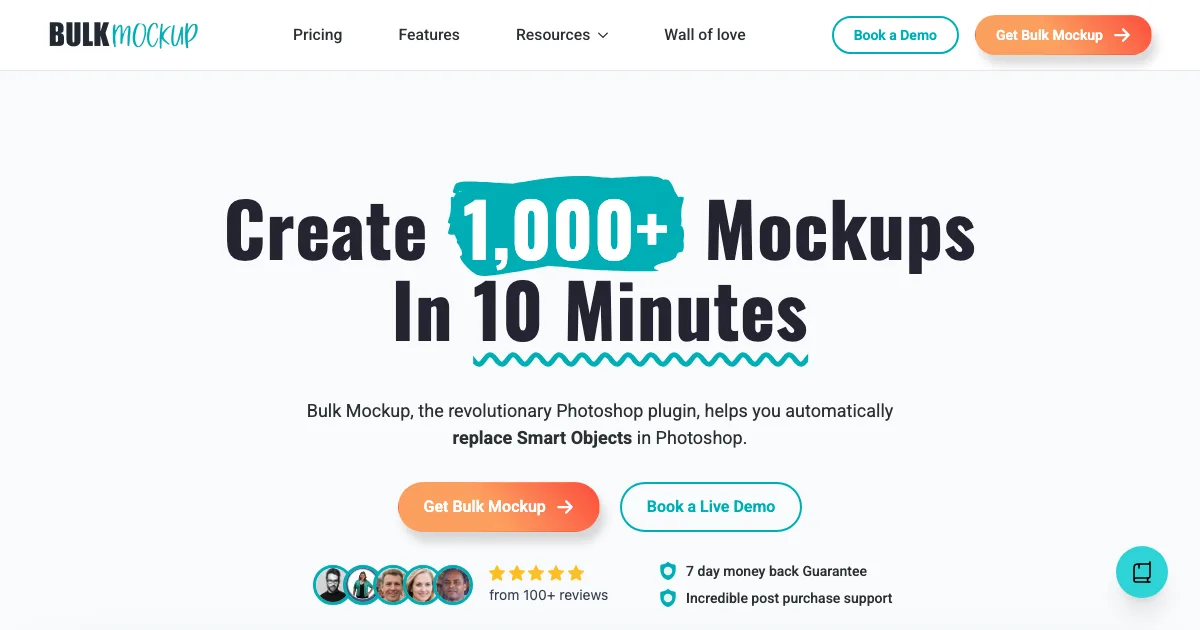
BulkMockup homepage hero showing its Photoshop mockup plugin
#8

BulkMockup

A Photoshop plugin that swaps Smart Objects across your templates and batches out mockups fast.

Where it wins
  • Seriously fast at volume. Batching hundreds of Smart Object swaps is the whole point of it.
  • Works with templates you already own, including ones you built yourself.
  • One flat price, unlimited generation, no per image metering.
Where it stops
  • Needs a Photoshop licence and a local install. It is a plugin, not a website.
  • It swaps a Smart Object layer, so anything not already in the template (text, a size chart, your logo) is still your job.
Pricing
  • Monthly$15/mo2 devices, unlimited mockups
  • Yearly$77/yr2 devices, unlimited mockups

7 day money back guarantee.

Choose this if

Sellers already living in Photoshop with a template library, who need lots of plain artwork on product images.

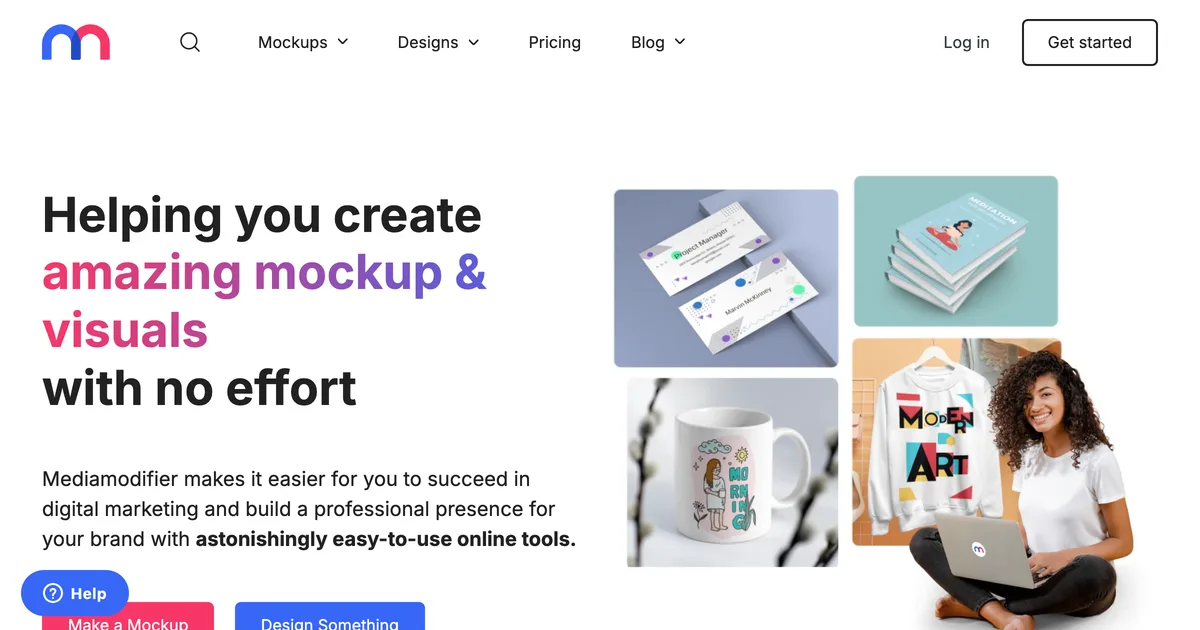
Mediamodifier homepage hero showing its mockup generator
#9

Mediamodifier

A mockup library with a genuinely usable free tier and a mockup API on the team plan, aimed at designers and small brands.

Where it wins
  • One of the few tools here with a mockup API, so a developer can wire generation into an existing pipeline.
  • Publishes a free Starter tier rather than a watermarked trial, with templates, fonts and image tools listed on it.
Where it stops
  • Template based, so the scene is fixed and does not react to the artwork placed in it.
  • No concept of a saved listing set that reruns for the next product.
  • Reviewers repeatedly report that the free tier delivers far less than the pricing page implies, and some say they never found a usable free option at all.
Pricing
  • StarterFreeFree mockup and design templates, 1300+ fonts
  • Professional$16/mo$8.25/mo equivalent if billed annually at $99/yr
  • Team$38/moBilled yearly. Adds mockup API and 5 seats

Prices shown in USD with automatic local conversion. Excludes tax and VAT.

Choose this if

Designers who want a solid free library, and teams who need API access to generate mockups from their own system.

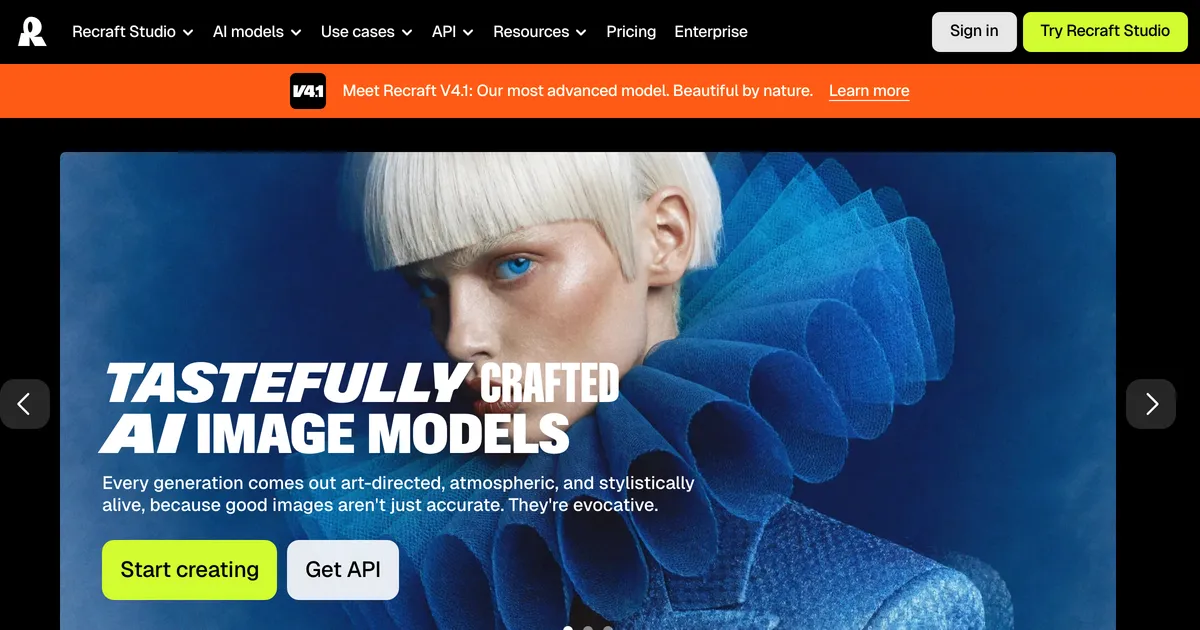
Recraft homepage hero promoting AI image and vector generation
#10

Recraft

A general AI image and vector generator. Mockups are something you can prompt it into producing rather than a feature it ships.

Where it wins
  • Generates vectors as well as raster, which almost nothing else in this comparison does.
  • Style controls are unusually good for holding a consistent look across a set of images.
  • Has an API, so it can sit inside an automated pipeline.
Where it stops
  • Free plan output is owned by Recraft and cannot be used commercially, which makes the free tier useless for sellers.
  • No concept of a product mockup: nothing guarantees the garment or the print placement is plausible.
  • Credit-based, so cost scales with iteration rather than with output you keep.
  • Trustpilot score of 1.6 as of August 2026, split between refund disputes and complaints that generated vectors are not usable as delivered.
Pricing
  • FreeFree
  • Basic$10/moBilled $120 annually. 1,000 credits a month
  • Advanced$16/moBilled $192 annually. 2,000 credits a month
  • Pro$18/moPer seat, billed $211 annually

Free plan images are owned by Recraft, shown publicly in the community gallery, and not licensed for commercial use. All three points are stated on the pricing page.

Choose this if

Designers who want original artwork and vectors from a prompt and are willing to treat mockups as a prompting exercise.

What users say about Mockuuups Studio

Review quotes for Mockuuups Studio have not been researched yet. They will be real, attributed and linked when they are.

Feature comparison

FeatureMockuuups StudioCustom Mockup GeneratorAnglePreviewedScreenhanceMockuPhoneDynamic MockupsPacdoraBulkMockupMediamodifierRecraft
Reusable listing setNoYesNoNoNoNoYesNoNoNoNo
Text and size charts inside the mockupNoYesNoNoNoNoYesNoNoNoNo
Logo auto-placed on every imageNoYesNoNoNoNoYesNoNoNoNo
Scene adapts to the artworkNoYesNoNoNoNoYesNoNoNoNo
Works without PhotoshopYesYesNoYesYesYesYesYesNoYesYes
Free tierYesYesYesYesYesYesNoNoNoYesYes

Stop rebuilding the same listing images

Describe your set once. Every new design comes back complete, with your title, size chart and logo already on it. Free to try, no account needed.

Start free

Should you switch from Mockuuups Studio?

Separa el plugin de la biblioteca. Un plugin elimina un cambio de contexto, que vale dinero de verdad si haces mockups a diario y no vale nada si los haces una vez al mes. Una biblioteca decide si existe la escena que necesitas. Casi todo el mundo compara estas herramientas por lo segundo y las compra por lo primero, y luego nota la suscripción cada mes que no la abrió. Si tu trabajo llega en ráfagas alrededor de entregas o lanzamientos, una compra única es mejor forma para el mismo dinero.

Best Mockuuups Studio alternative, by what you sell

Pricing compared

ToolTiers
Mockuuups Studio
  • Free Free
  • Professional $15/mo
  • Team $20/mo
Custom Mockup Generator
  • Free Free
  • Paid $7/mo
Angle
  • Free Free
  • Standard $79 one-time
  • Extended $149 one-time
Previewed
  • Lite Free
  • Plus $10 one-time
  • Pro $19/mo
Screenhance
  • Free Free
  • Launch Pass $6 one-time
  • Pro $12/mo
MockuPhone
  • Free Free
Dynamic Mockups
  • Not captured Not published
Pacdora
  • Lite $9/mo
  • Pro $17/mo
  • Business $59/mo
BulkMockup
  • Monthly $15/mo
  • Yearly $77/yr
Mediamodifier
  • Starter Free
  • Professional $16/mo
  • Team $38/mo
Recraft
  • Free Free
  • Basic $10/mo
  • Advanced $16/mo
  • Pro $18/mo

Prices are geo-localised, so what you see may differ from what is listed here.

When Mockuuups Studio is still the right choice

Stick with Mockuuups Studio when

  • Haces mockups con la frecuencia suficiente para que el cambio de contexto sea un coste real.
  • Trabajas en Figma o Sketch y quieres el mockup donde ya está el diseño.
  • La aplicación de escritorio encaja mejor con tu forma de trabajar que una pestaña.
  • El catálogo cubre los dispositivos y productos que más presentas.

Consider switching when

  • Tu trabajo llega en ráfagas, lo que hace de una suscripción mensual la forma equivocada.
  • Necesitas packaging con un troquel correcto y no un render favorecedor.
  • Produces imágenes de anuncio de productos que vendes en vez de presentar trabajo de cliente.
  • Quieres ser dueño de los mockups en lugar de alquilar el acceso a ellos.

Moving off Mockuuups Studio

Desinstala el plugin y los mockups paran; no hay datos que mover, porque el diseño siempre vivió en tu archivo y no en la herramienta.

Lo que conviene comprobar antes de cambiar es cuánto de tu trabajo reciente son mockups de verdad. Los diseñadores suelen sobrestimarlo, porque las veces que necesitaron uno fueron memorables y los meses en que no, no lo fueron. Si la respuesta honesta es un puñado de ráfagas al año, la comparación no es entre dos suscripciones, es entre una suscripción y comprar algo una vez.

The honest verdict

Mockuuups resuelve un problema de flujo de trabajo y no de catálogo, y hace bien, porque es un problema real. Salir de tu herramienta de diseño para hacer una imagen y volver con un PNG es fricción, y la fricción que se repite a diario merece pagarse por quitarla.

Si merece pagarse cada mes depende de un número que solo tú tienes: cuántos días al año lo abres de verdad. Esa pregunta, y no el número de escenas, es lo que separa a las herramientas de esta página, y es la que las comparaciones de esta categoría casi nunca hacen.

Frequently asked questions

¿Mockuuups funciona con Figma?

Sí, y buena parte de su atractivo está ahí, junto a un plugin de Sketch y una aplicación de escritorio. Los mockups se aplican sin salir de la herramienta de diseño.

¿Hay alguna herramienta de mockups de pago único?

Sí, varias. Angle vende un pack de dispositivos y plugin por 79 dólares una sola vez, Previewed tiene un plan comercial de pago único, y Screenhance vende un pase de 6 dólares para una semana de lanzamiento. Las tres encajan mejor con trabajo en ráfagas que un plan mensual.

¿Cuál es la mejor herramienta gratuita de mockups de dispositivo?

MockuPhone si quieres una captura dentro de un marco de dispositivo sin cuenta y sin coste. El plan gratuito de Angle con 50 mockups es más capaz si ya trabajas en Figma o Sketch.

¿Mockuuups sirve para packaging?

Tiene escenas de packaging, pero una escena no es un troquel. Si la caja tiene que plegar bien al imprimirse, eso es una herramienta estructural y no una biblioteca de mockups.

¿Un plugin es de verdad mejor que una herramienta de navegador?

Solo si lo usas a menudo. Un plugin elimina un cambio de contexto, que se acumula en el trabajo diario y no vale nada en el ocasional. Aquí decide la frecuencia, no las funciones.

What sellers say

Other tools people compare

Presentar un diseño y publicar un producto son trabajos distintos

Describe tu conjunto de anuncio una vez, luego suelta cada diseño nuevo y recibe el conjunto entero con tu título, tabla de tallas y logo ya colocados.

Ver generadores de embalaje