Alternativa a CreatorKit

CreatorKit hace imágenes fijas y vídeo corto para anuncios de ecommerce, y anuncia generación ilimitada. Es cierto y no es el número que importa, porque no puedes quedarte con lo que no descargas.

Ranked for one job: el límite que de verdad ata, que casi nunca es el que aparece más grande en la página de precios. Every tool below carries what it genuinely does better and the reader who should pick it instead.

At a glance

ToolWhat it isStarting priceReusable listing setText & logo in mockup
CreatorKitai generatorFreeNoNo
Custom Mockup Generatorcustom flowFreeYesYes, automatically
Pixelcutai generatorFreeNoNo
Stylarai generator$9/moNoNo
Flair.aiai generatorFreeNoNo
Vexelstemplate library$9/moNoNo
Canva Mockupsdesign platformFreeNoYes, by hand
Mockeyai generatorFreeNoNo
Smartmockupsmerged into another producttemplate libraryNot publishedNoNo
Mediamodifiertemplate libraryFreeNoNo
Kittldesign platformFreeNoYes, by hand

Cheapest published tier at the time we checked. Some tools price by region, so see each card for the currency and date.

Every CreatorKit alternative, in depth

#1

Custom Mockup Generator

Set up your listing images once. Every new design comes back as the finished set, with your text, branding and logo already on it.

Where it wins
  • Your mockups can carry text, size charts and callouts, so the images you actually list are the ones being generated, not just the plain ones.
  • Your logo lands on every image in the set, same place, same size, without you nudging it into position eight times.
  • You define the set once. Adding a product reruns it instead of starting from scratch.
  • The scene adapts to your artwork. A red design picks up subtle red notes in the background, so every mockup is specific to that product instead of the same stock photo with your art pasted in.
  • Runs in a browser. No Photoshop licence, no plugin, nothing to install.
Where it stops
  • Newer than the big names, with a smaller ready made scene library than the giant template marketplaces.
  • Renders cost real money to produce, so the free tier is watermarked and metered rather than the flat unlimited price a template library can offer.
  • Built around a repeating listing set. If you only ever need one mockup of one product, that is more setup than the job deserves.
Pricing
  • FreeFreeWatermarked. A free account clears it
  • Paid$7/moStarting price

Our own pricing.

Choose this if

Sellers whose listing images carry their own text, layout or branding, and who add products often enough that rebuilding them by hand has become the annoying part of the week.
#2

Pixelcut

Background removal, upscaling and product shots aimed at sellers, with batch export on the paid tiers.

Where it wins
  • Free tier exports without a watermark, so the output is usable rather than a preview.
  • Batch export at 1,000 images a month on the $10 tier, which is generous for the price.
  • Commercial licence is included on the paid tiers rather than sold separately.
Where it stops
  • Works from photographs, so it does nothing for a design that has never been printed.
  • Credit-based generation, so heavier months cost more than the headline price suggests.
  • Trustpilot score of 1.7 as of August 2026, with the recurring complaint being unexpected charges and an inability to cancel rather than the output itself.
Pricing
  • FreeFreeLimited background removal and upscale. Exports without a watermark
  • Pro$10/mo600 credits, unlimited background removal, 1,000 batch exports, commercial licence
  • Business$30/mo3,600 credits a month, 3 seats

Yearly billing is offered at a stated 20% saving. The free tier exports without a watermark, which is unusual in this category.

Choose this if

Sellers with real product photos who mostly need clean cutouts and upscales at volume rather than invented scenes.

#3

Stylar

A controllable AI image editor with layers and composition control, rather than a prompt box and hope.

Where it wins
  • Composition and layer control, so the output is directed rather than accepted from a prompt.
  • Credits map to a stated number of generations on the pricing page, which makes cost easier to predict than most.
Where it stops
  • Headline prices are first-month promotional, so the ongoing cost is double what the page shows first.
  • A general image editor rather than a mockup tool: nothing enforces that a garment or print placement is plausible.
  • No ongoing free tier, only a trial.
Pricing
  • Beginner$9/mo1,000 credits a month. Advertised at $4.49 for the first month
  • Standard$25/moAdvertised at $12.49 for the first month
  • Pro$60/moAdvertised at $29.99 for the first month

The prices shown largest on the page are first-month only, at 50% off. Recorded here at the ongoing rate, which is what you actually pay from month two. Annual billing is offered at up to 22% off.

Choose this if

Designers who want AI output they can art-direct, and who would rather control a composition than re-roll a prompt.

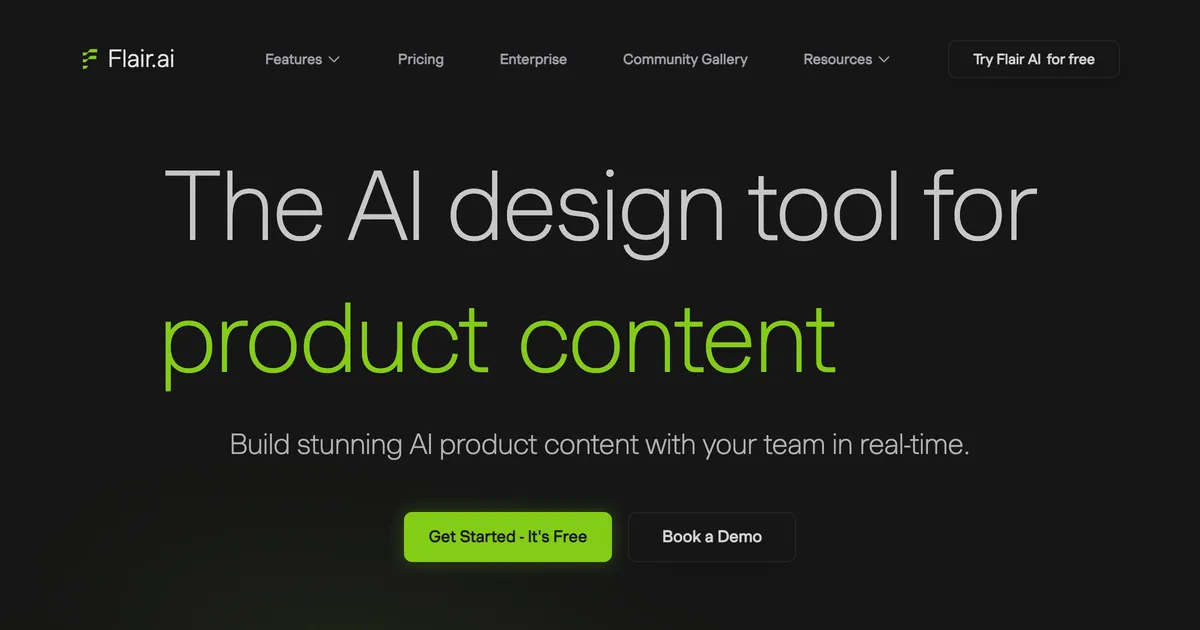
Flair.ai homepage hero showing AI-directed product photography scenes
#4

Flair.ai

A drag and drop canvas for AI product scenes, with custom models you train on your own product and a genuinely free tier.

Where it wins
  • A real canvas rather than a theme picker, so you can compose the scene instead of choosing from presets.
  • Custom models trained on your own product, which is the closest thing here to a consistent look across a catalogue.
Where it stops
  • The commercial licence starts at the Pro+ tier, so the cheap plans are not usable for listings you sell from.
  • Works from product photographs, so it cannot picture a product that does not exist yet.
Pricing
  • FreeFree1 custom model, 5 generated images, 1 video
  • Pro$8/moFaster rendering, upscales and variations
  • Pro+$26/mo80 generated images, commercial licence
  • Scale$38/mo150 generated images, API early access

Instant and ad generation consume 4x the image quota, so the headline image counts are a ceiling rather than a budget.

Choose this if

Brands who want art directed product scenes and are willing to learn a canvas to get precise control over composition.

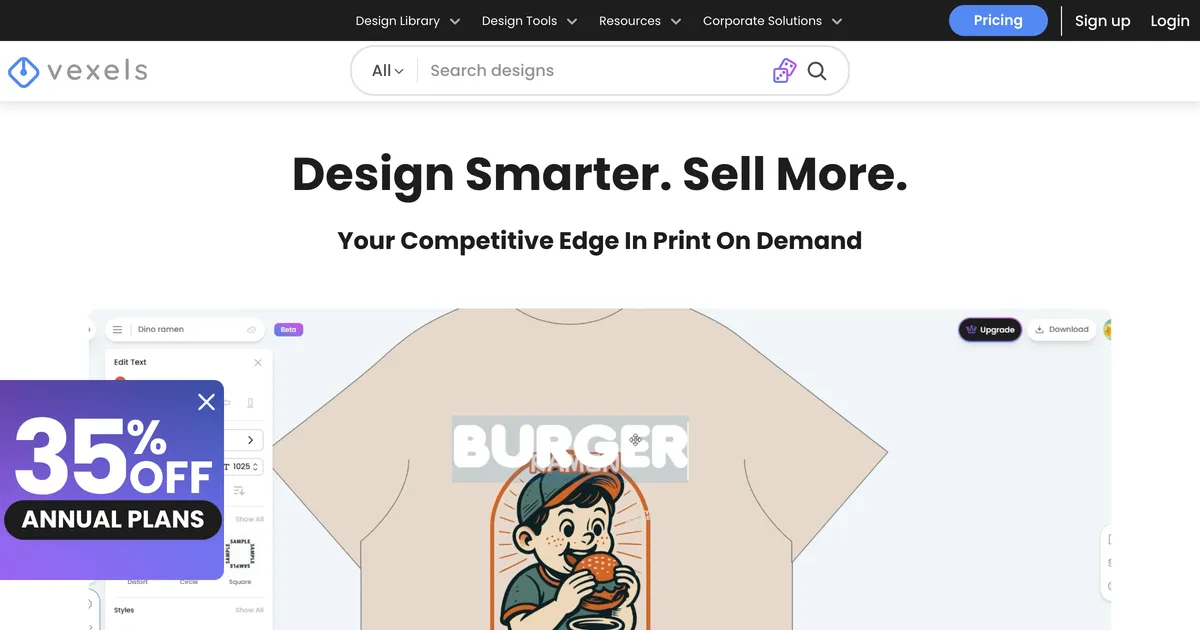
Vexels homepage hero promoting licensed print on demand design assets
#5

Vexels

A print on demand design library first and a mockup tool second: finished, sellable artwork you licence rather than blank scenes you fill.

Where it wins
  • Sells the artwork itself, not just the scene, which is the actual bottleneck for a lot of print on demand sellers.
  • Licensing is explicit and merch-oriented, so what you may legally sell is stated rather than inferred.
Where it stops
  • No free tier, only a trial, so evaluating the library costs money.
  • Download quotas are per month and low on the entry plan, which caps how fast you can test designs.
  • The mockup side is thinner than the design side; it is not the reason to subscribe.
Pricing
  • Merch Starter$9/moBilled $109 annually. 30 stock downloads and 200 AI credits a month
  • Merch Seller$19/moBilled $226 annually. 100 downloads, unlimited online tools
  • Merch Expert$32/moBilled $382 annually. 200 downloads a month

Prices shown in USD from an Indian IP. Annual billing; the monthly figure is the annual price divided out, which is why it carries cents.

Choose this if

Print on demand sellers who want ready-made, licensed designs to sell and treat mockups as a bundled extra.

#6

Canva Mockups

Canva's mockup feature, and now the home of Smartmockups too, bolted onto a full design editor.

Where it wins
  • Free, and already open in a tab on most sellers' screens. No newer tool gets to claim that.
  • A full design editor, so text, layout and branding go exactly where you want them.
  • It absorbed Smartmockups, so it inherited a big and well liked scene library.
Where it stops
  • Every listing image is assembled by hand. Nothing regenerates when you add a product.
  • Consistency depends on you remembering the exact position, size and crop you used last time. Good luck.
Pricing
  • FreeFreeMockups on the free plan

Paid tier pricing not captured yet.

Choose this if

Anyone already designing in Canva who lists rarely enough that rebuilding each image by hand has not started to hurt yet.

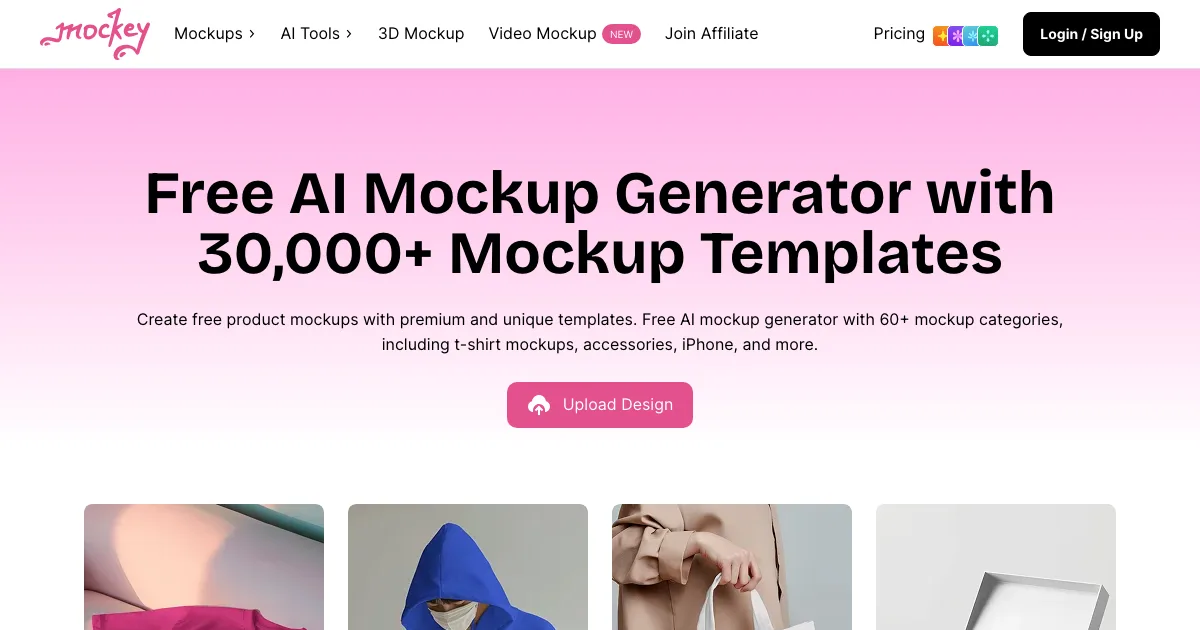
Mockey homepage hero showing its free AI mockup generator
#7

Mockey

A free AI mockup generator with a wide catalogue, aimed at quick one off mockups.

Where it wins
  • Free across a big catalogue, with no install and no signup just to try it.
  • Broad coverage across apparel, print, packaging and devices.
Where it stops
  • One mockup at a time. There is no saved listing set that reruns for the next product.
Pricing
  • FreeFreeFree tier, paid upgrades

Paid tier pricing not captured yet.

Choose this if

Anyone who needs one quick mockup of a plain design and does not care about matching a house style.

#8

Smartmockups

Absorbed into Canva. smartmockups.com now redirects to canva.com/mockups.

A long running mockup library that got folded into Canva. The standalone product is gone.

Where it wins
  • The scene library was well liked and most of it lives on inside Canva Mockups.
Where it stops
  • Not available on its own any more. Existing users were moved across to Canva.
Pricing
  • DiscontinuedNot publishedNo longer sold separately, see Canva Mockups

The domain redirects to Canva, so there is no independent pricing.

Choose this if

Nobody new. If you came looking for Smartmockups, Canva Mockups is where it went.

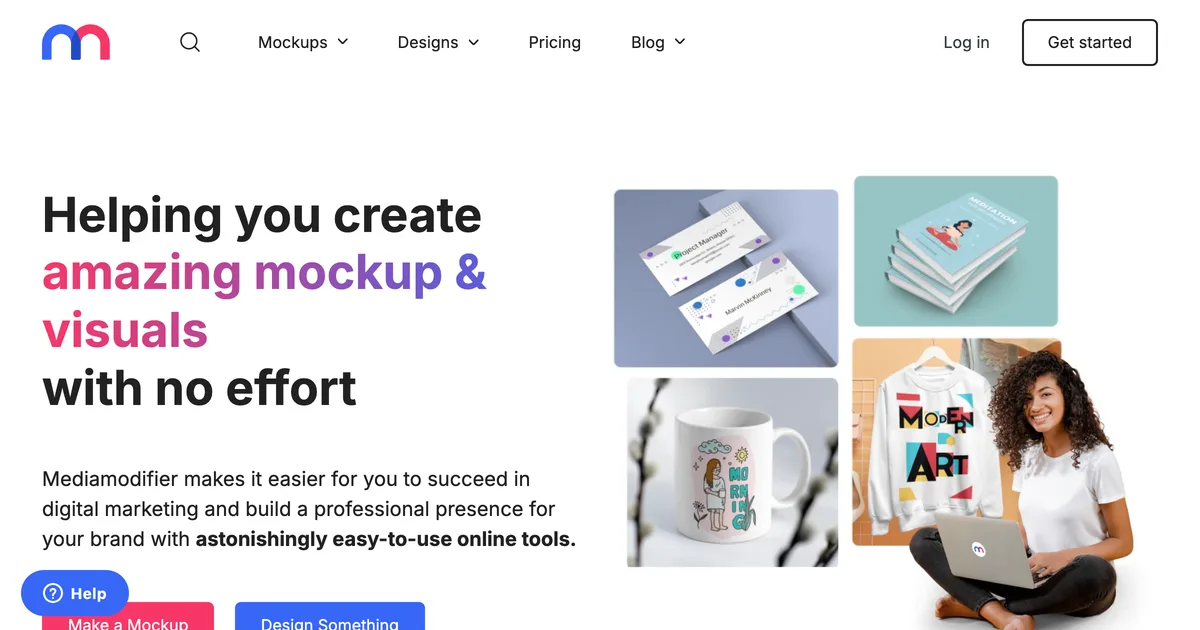
Mediamodifier homepage hero showing its mockup generator
#9

Mediamodifier

A mockup library with a genuinely usable free tier and a mockup API on the team plan, aimed at designers and small brands.

Where it wins
  • One of the few tools here with a mockup API, so a developer can wire generation into an existing pipeline.
  • Publishes a free Starter tier rather than a watermarked trial, with templates, fonts and image tools listed on it.
Where it stops
  • Template based, so the scene is fixed and does not react to the artwork placed in it.
  • No concept of a saved listing set that reruns for the next product.
  • Reviewers repeatedly report that the free tier delivers far less than the pricing page implies, and some say they never found a usable free option at all.
Pricing
  • StarterFreeFree mockup and design templates, 1300+ fonts
  • Professional$16/mo$8.25/mo equivalent if billed annually at $99/yr
  • Team$38/moBilled yearly. Adds mockup API and 5 seats

Prices shown in USD with automatic local conversion. Excludes tax and VAT.

Choose this if

Designers who want a solid free library, and teams who need API access to generate mockups from their own system.

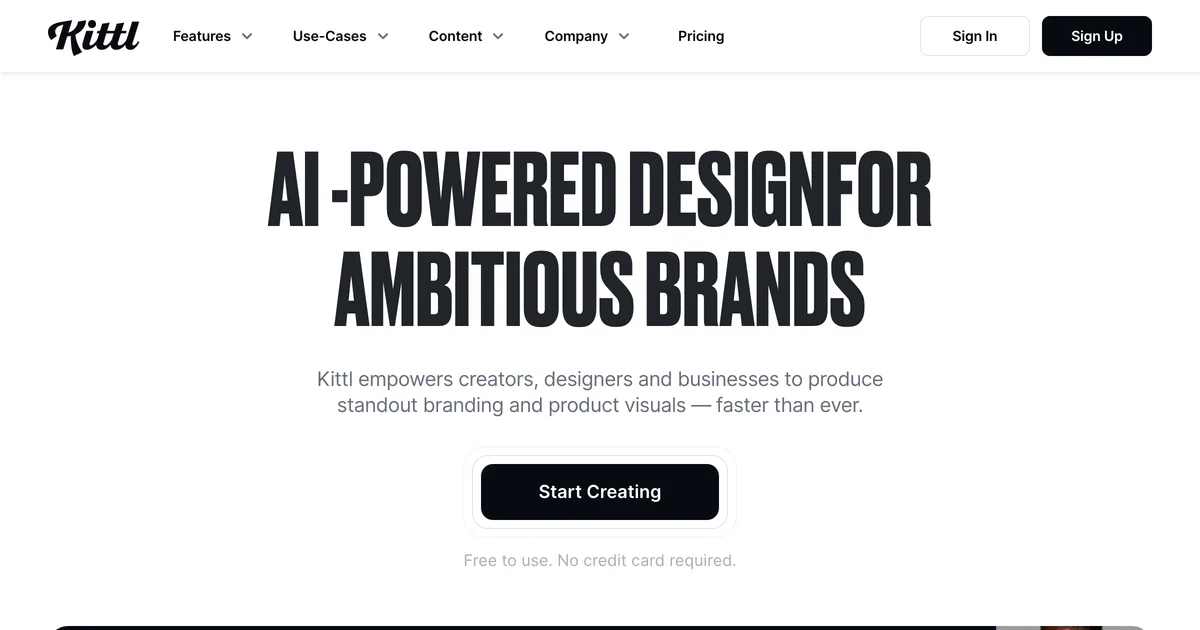
Kittl homepage hero promoting AI-powered design for brands
#10

Kittl

An AI first design platform with a genuinely lovely type and vintage editor, plus mockups for showing the finished thing off.

Where it wins
  • A properly good design editor. If you are making the artwork as well as presenting it, Kittl does both without switching tabs.
  • Very strong on typography and vintage work, which is most of print on demand if we are honest.
  • A big template, font and graphic library comes with the paid tiers.
Where it stops
  • Mockups are a presentation feature inside a design tool, not a listing set you can rerun.
  • AI runs on tokens, so a busy month either costs more or stops early.
Pricing
  • FreeFree5 projects, 200 AI tokens, one time
  • Pro$15/moUnlimited projects, 2,000 AI tokens a month, 10GB
  • Expert$30/mo6,000 AI tokens a month, 100M+ assets, 100GB

Monthly billing. Kittl advertises up to 33% off annually, and prices in your local currency, so what you see may differ.

Choose this if

Designers who want to make the artwork and present it in one place, especially type heavy work, and who are not regenerating the same set for every new product.

What users say about CreatorKit

All CreatorKit reviews on Trustpilot

Review quotes for CreatorKit have not been researched yet. They will be real, attributed and linked when they are.

Feature comparison

FeatureCreatorKitCustom Mockup GeneratorPixelcutStylarFlair.aiVexelsCanva MockupsMockeySmartmockupsMediamodifierKittl
Reusable listing setNoYesNoNoNoNoNoNoNoNoNo
Text and size charts inside the mockupNoYesNoNoNoNoPartlyNoNoNoPartly
Logo auto-placed on every imageNoYesNoNoNoNoNoNoNoNoNo
Scene adapts to the artworkNoYesNoNoNoNoNoNoNoNoNo
Works without PhotoshopYesYesYesYesYesYesYesYesYesYesYes
Free tierYesYesYesNoYesNoYesYesNoYesYes

Stop rebuilding the same listing images

Describe your set once. Every new design comes back complete, with your title, size chart and logo already on it. Free to try, no account needed.

Start free

Should you switch from CreatorKit?

Averigua cuál es la restricción real antes de comparar precios, porque cada herramienta de esta categoría anuncia el número que la favorece. CreatorKit da generaciones ilimitadas y diez descargas al mes en el plan de 32 dólares; Stylar publica un precio de primer mes que es la mitad de lo que pagas desde el segundo; el plan gratuito de Recraft produce imágenes que no tienes licencia para vender. Ninguna de estas cosas está escondida, y todas son fáciles de pasar por alto. Calcula con qué necesitas salir cada mes, y luego busca qué línea de cada página limita eso.

Best CreatorKit alternative, by what you sell

Pricing compared

ToolTiers
CreatorKit
  • Free Free
  • Pro $32/mo
  • Business $82/mo
Custom Mockup Generator
  • Free Free
  • Paid $7/mo
Pixelcut
  • Free Free
  • Pro $10/mo
  • Business $30/mo
Stylar
  • Beginner $9/mo
  • Standard $25/mo
  • Pro $60/mo
Flair.ai
  • Free Free
  • Pro $8/mo
  • Pro+ $26/mo
  • Scale $38/mo
Vexels
  • Merch Starter $9/mo
  • Merch Seller $19/mo
  • Merch Expert $32/mo
Canva Mockups
  • Free Free
Mockey
  • Free Free
Smartmockups
  • Discontinued Not published
Mediamodifier
  • Starter Free
  • Professional $16/mo
  • Team $38/mo
Kittl
  • Free Free
  • Pro $15/mo
  • Expert $30/mo

Prices are geo-localised, so what you see may differ from what is listed here.

When CreatorKit is still the right choice

Stick with CreatorKit when

  • Necesitas vídeo además de imágenes fijas, algo que casi nadie de esta categoría hace.
  • Tu catálogo está en Shopify y la integración te ahorra subir producto a producto.
  • Publicas pocas piezas muy trabajadas en lugar de muchos anuncios.
  • La generación ilimitada te encaja de verdad, porque iteras mucho y te quedas con poco.

Consider switching when

  • Necesitas conservar más de diez imágenes al mes, que llega antes de lo que parece.
  • Tus productos existen solo como diseño, así que no hay fotografía de la que partir.
  • Quieres imágenes de anuncio con texto y tallas y no creatividad publicitaria.
  • El vídeo no forma parte del trabajo, y entonces estás pagando medio producto.

Moving off CreatorKit

Las descargas que ya te llevaste son tuyas, y no hay formato de proyecto que exportar, así que irse no cuesta nada técnicamente.

Lo que conviene hacer antes es contar. Mira cuántas imágenes descargaste de verdad el mes pasado y no cuántas generaste, porque la distancia entre esos dos números suele ser grande y es el primero el que estás pagando. Hay quien sigue un año en un plan así por lo mucho que generó, lo que le costó cómputo al proveedor y a esa persona no le costó nada.

The honest verdict

CreatorKit es un producto razonable haciendo algo genuinamente poco común aquí, que es tratar el vídeo como una salida de primera y no como un añadido. Para un vendedor de Shopify cuyas imágenes de anuncio hacen también de creatividad publicitaria, esa combinación es difícil de montar con cualquier otra cosa de esta página.

El precio es la parte que hay que leer con cuidado. La generación ilimitada suena a que han quitado la restricción, y solo la han movido: diez descargas al mes en el plan de 32 dólares es un techo bajo para quien lleva un catálogo, y es el número por el que hay que juzgar el plan.

Frequently asked questions

¿CreatorKit es realmente ilimitado?

La generación sí. Las descargas están limitadas, a diez al mes por función en el plan Pro de 32 dólares y cincuenta en el Business de 82. Como una imagen que no puedes descargar no es una imagen que tengas, el tope de descargas es el tamaño real del plan.

¿CreatorKit hace vídeo?

Sí, y es la razón principal para elegirlo. El vídeo corto para anuncios va junto a las imágenes fijas, algo que casi nada más de esta comparación ofrece.

¿CreatorKit sirve para print on demand?

No especialmente. Está construido en torno a fotografías de productos reales, y los artículos de print on demand normalmente existen solo como diseño hasta que alguien pide uno.

¿Cuál es la alternativa más barata para volumen?

En volumen por euro, Pixelcut: 1.000 exportaciones por lote al mes en un plan de 10 dólares con licencia comercial incluida. Dos advertencias. No hace vídeo, y saca un 1,7 en Trustpilot, donde la queja recurrente son cobros inesperados y dificultad para cancelar, no las imágenes.

¿Por qué anuncian generación ilimitada?

Porque generar les sale barato en relación con lo que tú conservas, y es un número que suena a que han quitado el límite. Lee mejor la línea de exportaciones o descargas; ahí es donde se dimensiona el plan de verdad.

What sellers say

Other tools people compare

Cuando se acaban las diez descargas del mes

Describe tu conjunto de anuncio una vez, luego suelta cada diseño nuevo y recibe el conjunto entero con tu título, tabla de tallas y logo ya colocados.

Ver generadores de ropa